Community genogram · Shared by a GenogramAI user
Familia de Valeria Genogram
The Familia de Valeria Genogram maps 7 people across three generations. The family structure includes cohabitation.
- 7 people
- 3 generations
- Cohabitation
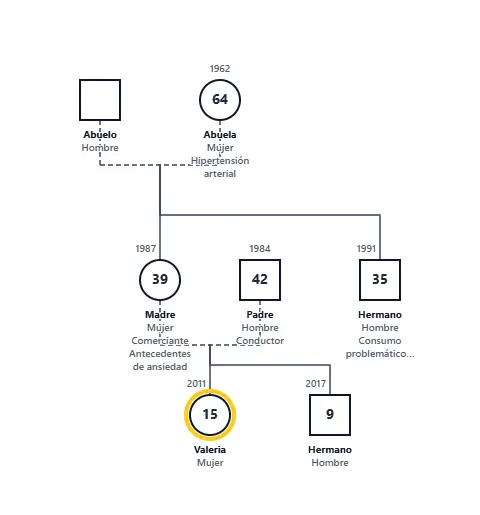
What this genogram shows
- 7 family members across three generations.
Compare with similar examples
Generation by generation
Generation 1 (oldest)
The top row has 2 people (1 man and 1 woman). The row contains 1 partnership (unmarried partners). One set of parents here has 2 children in the next row.
Generation 2
The second row holds 3 people (2 men and 1 woman). 1 person joined the family through a partnership, with no parents drawn above them. 1 couple is drawn here (unmarried partners). One set of parents accounts for 2 children one row down.
Generation 3 (youngest)
There are 2 people on the bottom row (1 man and 1 woman).
Emotional relationships
The author did not add emotional relationship lines; the chart shows family structure only.
How to read this genogram
- Start at the top row: the 2 people of the oldest generation. Squares are males and circles are females; this chart has 4 squares and 3 circles.
- Follow the horizontal lines between partners. There are 2 partner lines.
- Trace the vertical lines that drop from each couple to their children. 4 people have parents drawn in this genogram.
- Finish at the bottom row, the youngest generation, with 2 people.
Start from this genogram
Open it in GenogramAI, make a copy, and edit the people, relationships and health history to fit your own family or case. Or describe a family in plain words and let the AI draw it.
Questions about this genogram
How many people and generations are in the Familia de Valeria Genogram?
It shows 7 people across three generations, from 2 people in the oldest row to 2 people in the youngest. It includes 2 couples.
What do the lines in this genogram mean?
Solid horizontal lines join partners, and vertical lines connect parents to children. This genogram has no emotional relationship lines.
Can I use this genogram as a template?
Yes. Choose "Use this template" to copy it into a free GenogramAI account, then replace the people and relationships with your own.
How do I make a genogram like this one?
Open the GenogramAI genogram maker and describe the family in plain words, for example how many generations, who is married or divorced, and who the children are. The AI draws it with the same notation, and you can edit every person and line afterwards. For a three-generation chart like this, start with the oldest couple and work down one row at a time.
More community genograms
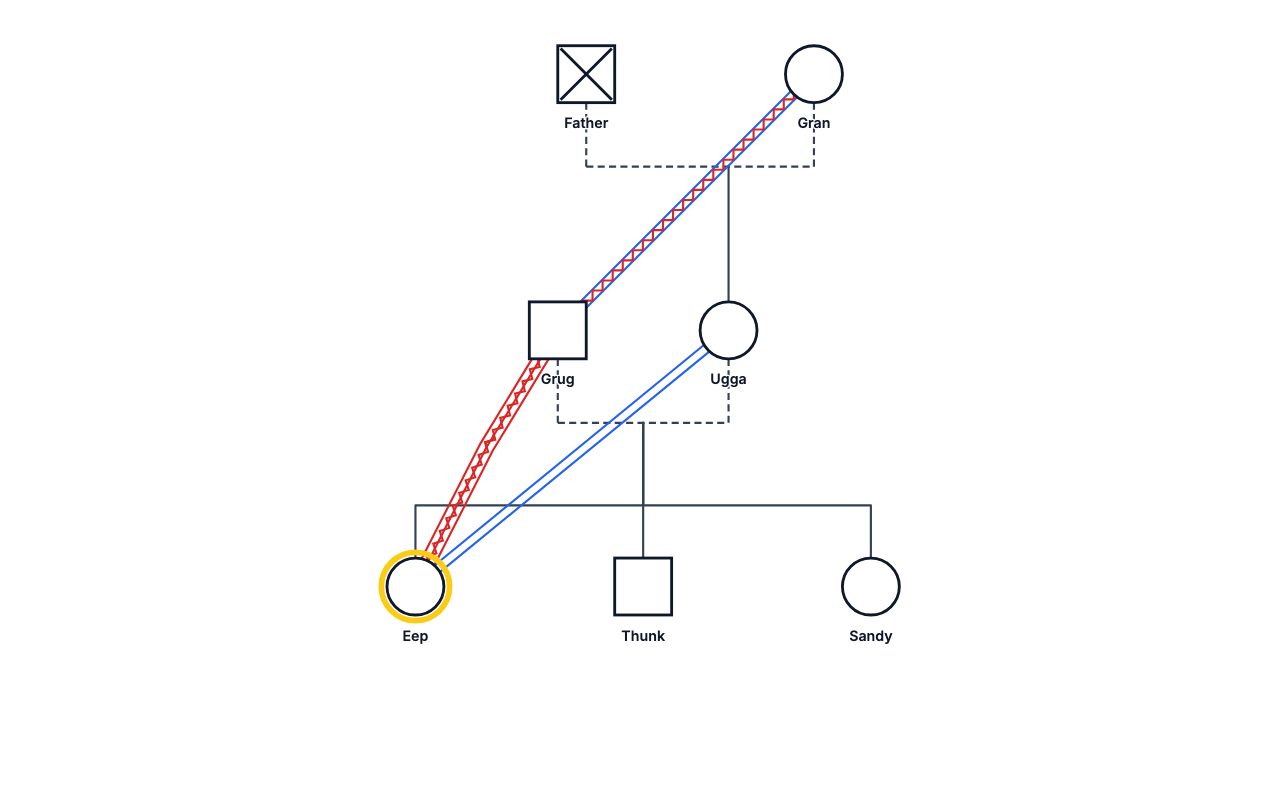
Eep's Family Genogram
7 people · 3 generations · Emotional lines
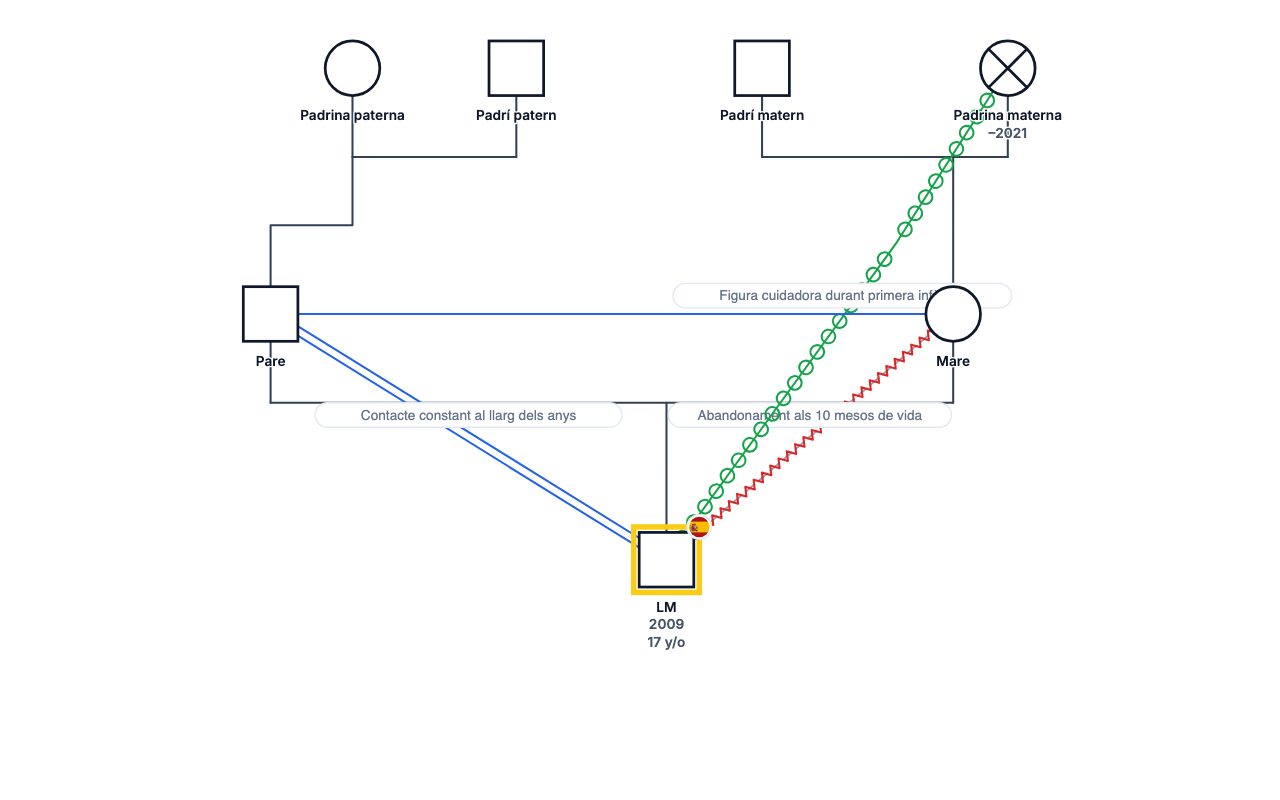
LM's Family Genogram
7 people · 3 generations · Emotional lines
Tutorial: Getting Started Genogram
8 people · 3 generations · Blended family, 2 divorces/separations
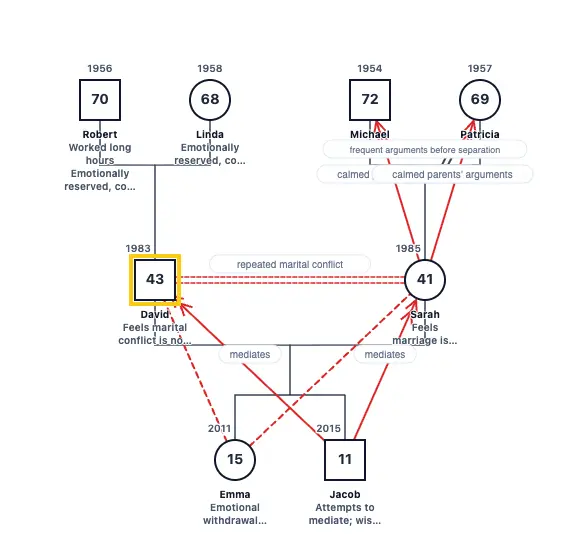
The Millers Genogram
8 people · 3 generations · Blended family, Divorce
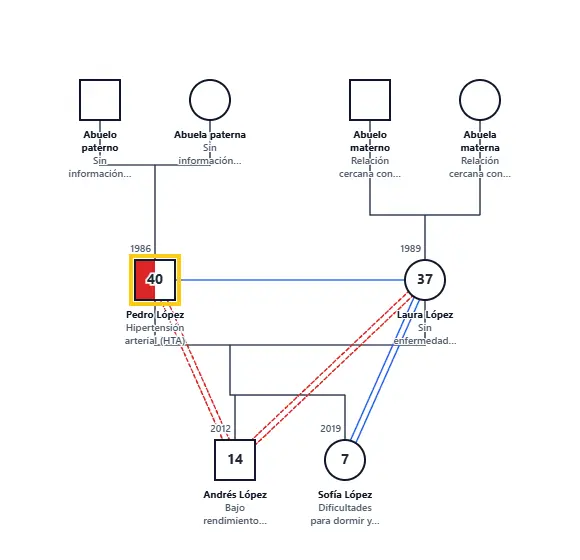
CASO COMUNITARIO FAMILIA LÓPEZ Genogram
8 people · 3 generations · Emotional lines, Medical history
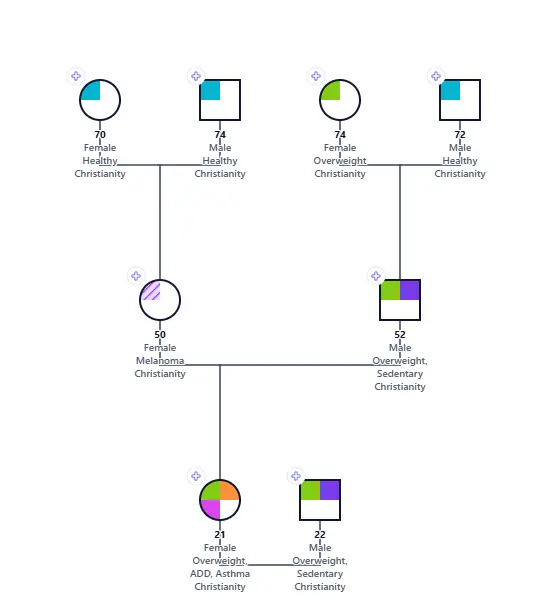
21yo Fe Family Assessment Genogram
8 people · 3 generations · Medical history
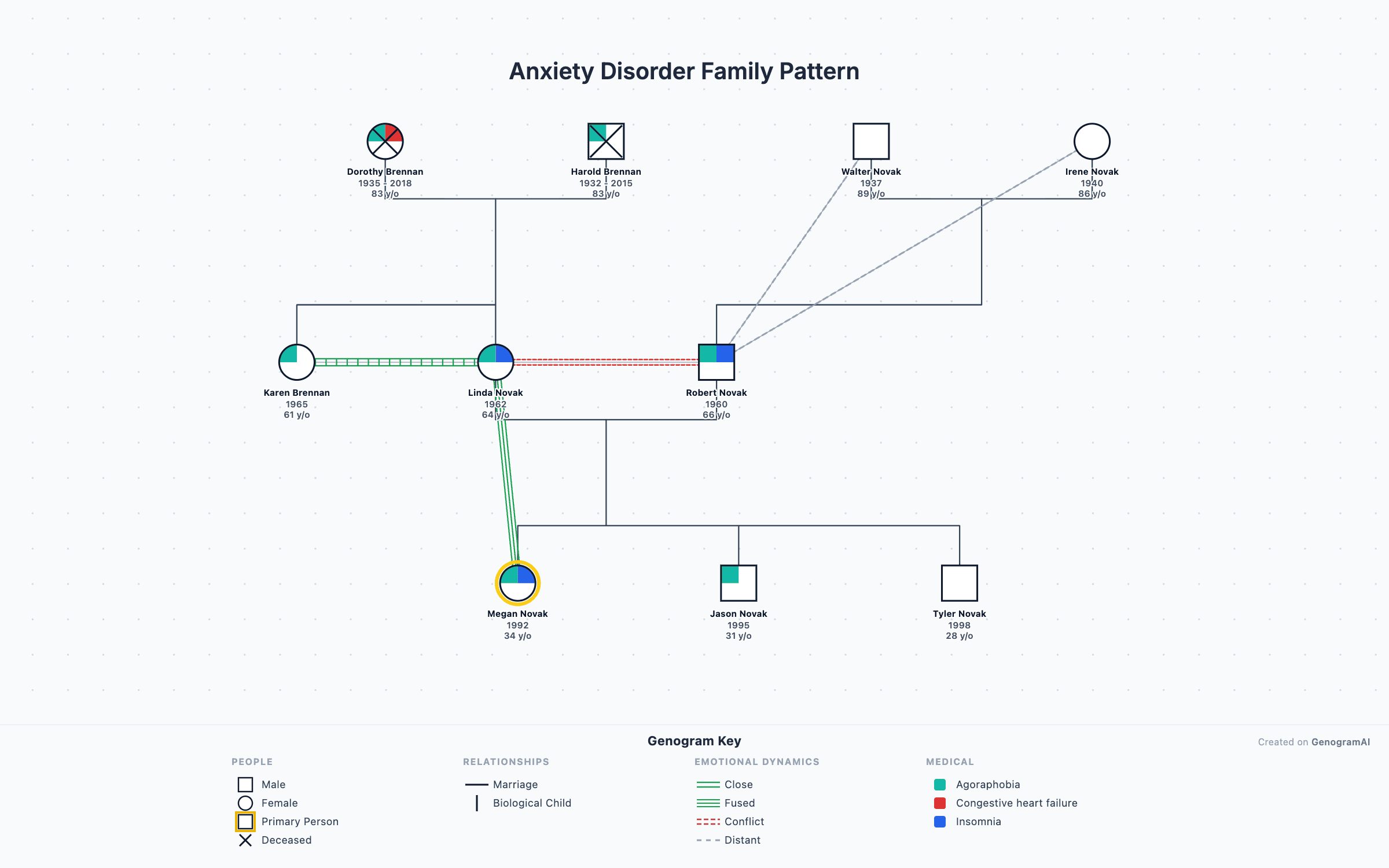
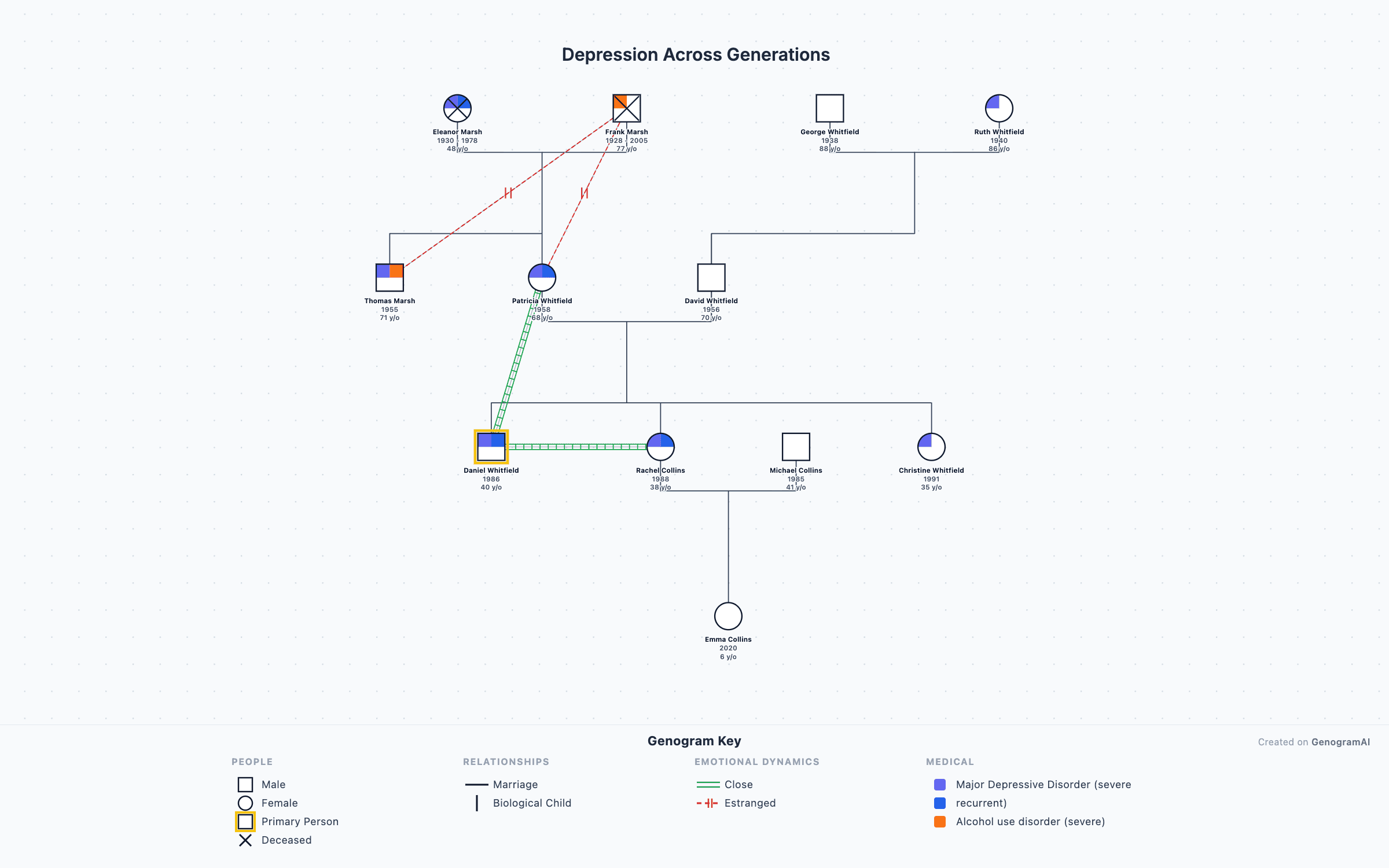
About community genograms: a GenogramAI user published this genogram to the community gallery and chose to feature it on genogramai.com. It is shown as an illustration of genogram notation, not a clinical record. The owner can remove it at any time.