iPad and iPhone
Genogram app for iPad: a free iGenogram alternative
Quick answer
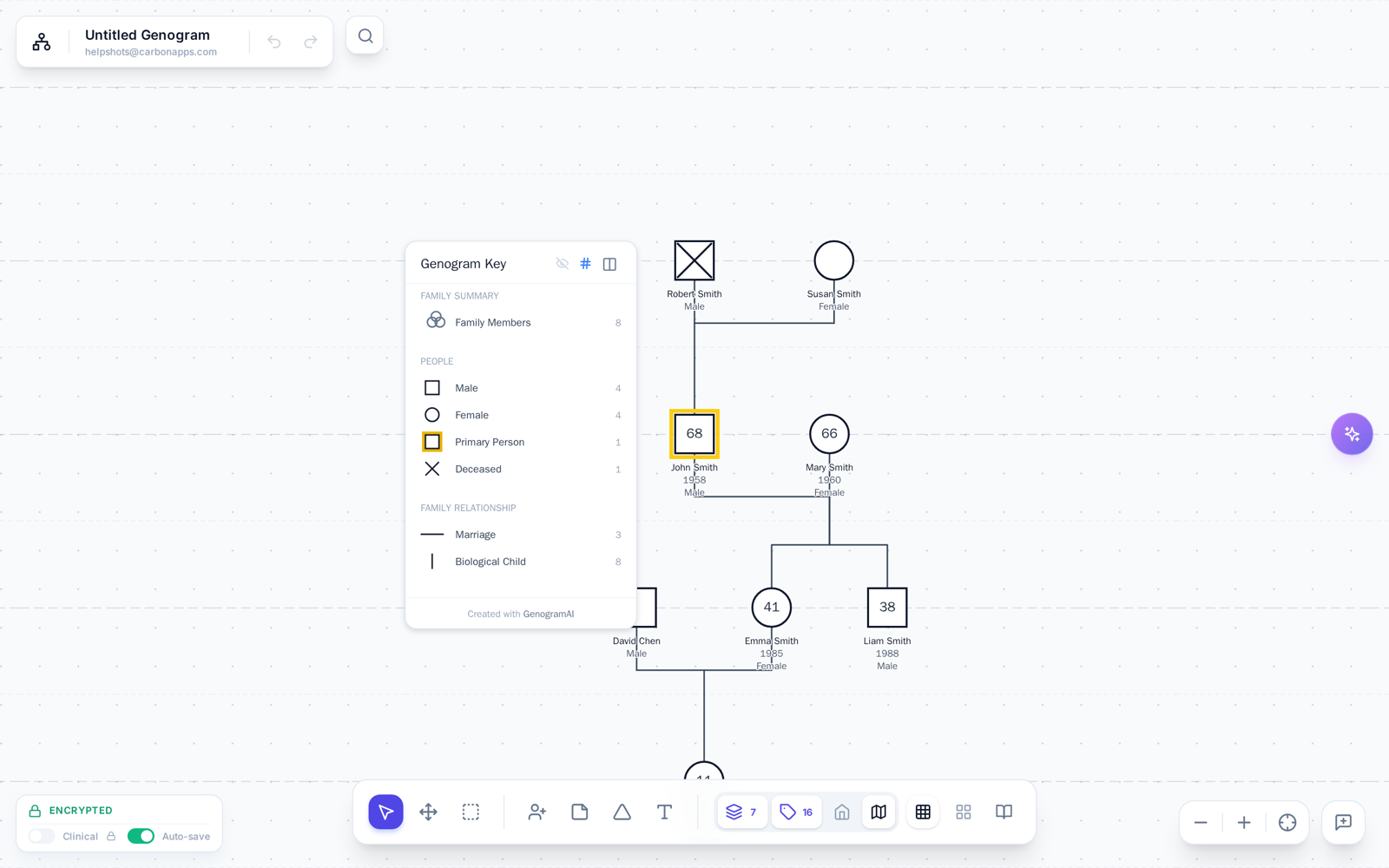
The iOS genogram app landscape
iGenogram: the old standard
- Paid upfront on the App Store, with no free tier
- Available since the early 2010s; check the App Store version history for recent updates
- Limited relationship types compared with the standard notation
- No AI features, no cloud sync, no cross-device support
- iOS only: genograms stay on your iPad
GenogramAI: the modern choice
- Free to start with 2 genograms, Professional plan at $12/mo
- Continuously updated with new features in 2026
- 64 relationship types in standard McGoldrick-style notation
- AI-powered: describe your family, genogram builds itself
- Works on iPad, iPhone, Mac, PC, Chromebook, and more
Is there a free genogram app for iPad?
Free to Use
Works in Safari
AI-Powered Creation
64 Relationship Types
Cloud Sync Everywhere
Professional Export
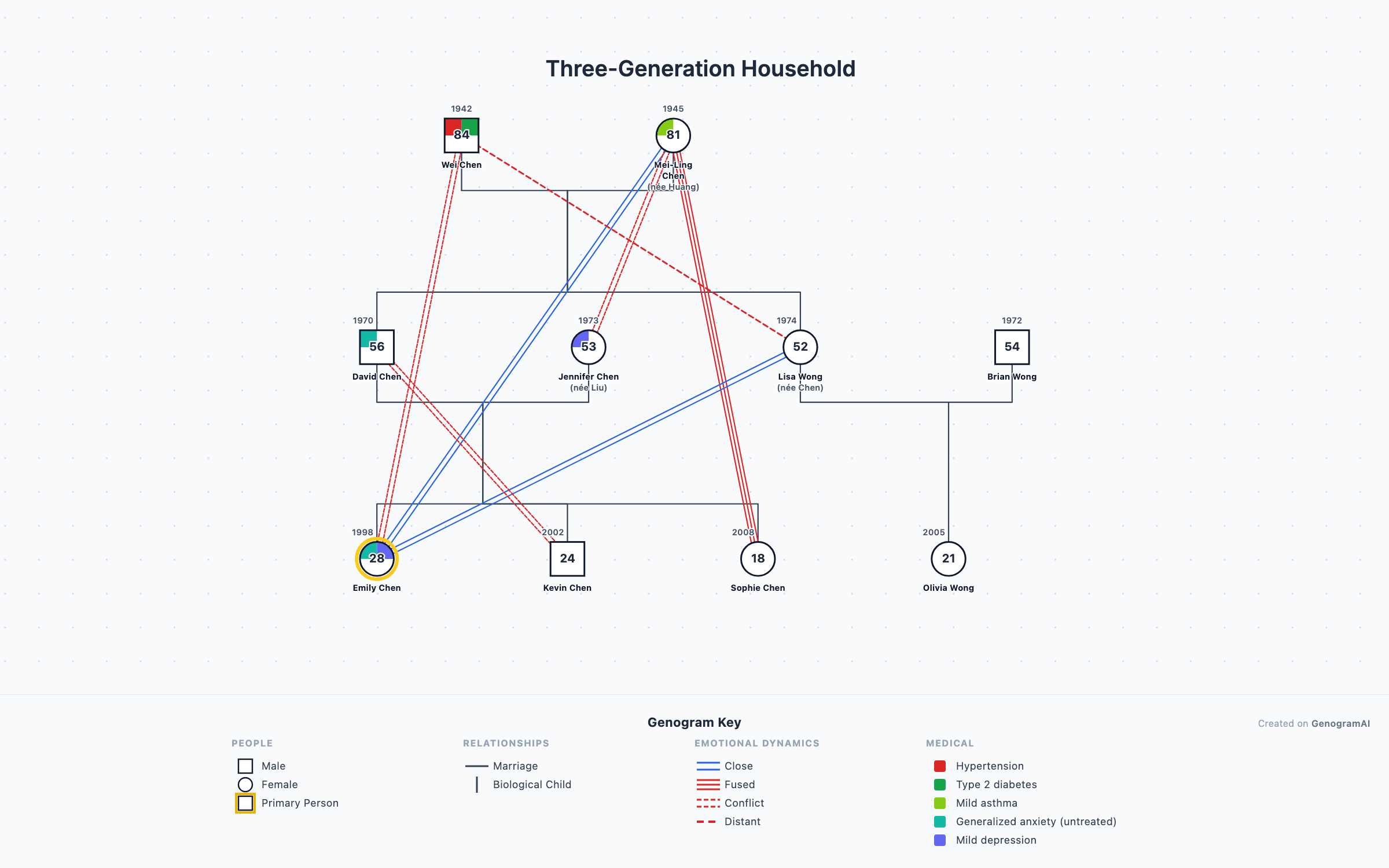
GenogramAI vs iGenogram: feature comparison
| Feature | iGenogram | GenogramAI |
|---|---|---|
| Price | One-time App Store purchase | Free to start (Professional $12/mo) |
| Platform | iOS only | Any device with a browser |
| AI Generation | No | Yes, natural language input |
| Relationship Types | Basic set | 64 types (18 partnership, 39 emotional, 7 child) |
| Medical Quadrants | Limited | Full medical tracking with quadrant view |
| Cloud Sync | No | Yes, across all devices |
| Export Options | Image only | PNG (free); PDF, SVG, GEDCOM (paid plans) |
| Updates | See App Store version history | Continuous updates in 2026 |
| Standard (McGoldrick-style) Notation | Partial | Full |
| Collaboration | No | Share via link |
Does GenogramAI work on iPhone?
Yes. GenogramAI's responsive interface adapts to iPhone screens. While the larger iPad display is ideal for creating complex genograms, your iPhone is perfect for:
- Reviewing genograms during therapy sessions on the go
- Quick edits and adding notes from your phone
- AI-powered generation while interviewing family members
- Sharing genograms with clients or colleagues via link
How to add GenogramAI to your iPad home screen
- 1
Open in Safari
Navigate to app.genogramai.com in Safari on your iPad or iPhone. - 2
Tap the Share button
Tap the Share icon (square with an upward arrow) in the Safari toolbar. - 3
Tap "Add to Home Screen"
Scroll down in the share sheet and tap Add to Home Screen. GenogramAI will appear as an app icon that opens in full-screen mode without the Safari toolbar.
Want a native app instead?
iPad genogram app: questions
Is there a free genogram app for iPad?
Yes. GenogramAI works on any iPad through Safari, with no App Store download. The free plan includes 2 genograms, 5 AI credits a month, all 64 relationship types, medical quadrants and PNG export. If you prefer a native app installed from the App Store, Genogram Creator is a separate iOS app for iPad and iPhone.
What happened to iGenogram?
iGenogram is a paid iOS genogram app that has been on the App Store for many years. Check its App Store listing for the current price and update history. It has no AI generation and keeps genograms on the device. GenogramAI is a browser-based alternative that works on iPad, iPhone and any other device.
Can I make a genogram on my iPhone?
Yes. GenogramAI works in Safari on iPhone. While the larger iPad screen is more comfortable for genogram creation, the responsive interface adapts to iPhone screens for viewing, editing, and AI generation. Your genograms sync across all your devices when you sign in.
How do I add GenogramAI to my iPad home screen?
Open app.genogramai.com in Safari, tap the Share button (square with arrow), then tap 'Add to Home Screen.' This creates an app-like icon that opens GenogramAI in a full-screen window without the Safari toolbar.
Does GenogramAI work with Apple Pencil?
GenogramAI is primarily a structured editor (not a freehand drawing tool), so Apple Pencil works for tapping, selecting, and navigating. The AI-powered approach means you describe families in text rather than drawing, which is faster and more precise than freehand genogram drawing.
Can I export genograms from iPad to use on my computer?
Yes. GenogramAI uses cloud sync, so any genogram you create on iPad is available on your Mac, PC, or any device when you sign in. PNG export is free on every plan; PDF, SVG and GEDCOM export come with the paid plans.