Native iOS and macOS app
GenogramCreator: native genogram app for Apple devices
Quick answer
What is GenogramCreator?
Native iPad app
Native iPhone app
Native macOS app
Who GenogramCreator is for
GenogramCreator vs GenogramAI
| Feature | GenogramCreator | GenogramAI |
|---|---|---|
| Pricing | Paid (see App Store) | Free to start (2 genograms) · Pro $12/mo · Clinical $29/mo |
| Platforms | iPad, iPhone and Mac only | Any browser: Mac, Windows, iPad, Android, Chromebook |
| App type | Native app (App Store) | Web app (no download); native Mac app on the Clinical plan |
| AI generation | No | Yes: AI Assistant on every plan (5 credits a month on Free); describe-a-family builds on Pro and Clinical |
| Offline use | Yes, runs natively without internet | Web app needs a connection; the Mac desktop app works offline (Clinical plan) |
| Where genograms are saved | On the device | In your account (encrypted), so any device can open them; Clinical mode keeps them on the device |
| Relationship types | Standard symbols and emotional relationship lines | 64 types (18 partner + 39 emotional + 7 child) |
| Export formats | PNG, PDF, SVG, JSON | PNG (free); PDF, SVG, GEDCOM and JSON on paid plans |
| Sharing | Export a file | View-only share links and embeds on every plan (no real-time co-editing) |
Which tool should you use?
Choose GenogramCreator if…
- You work exclusively on Apple devices (iPad, iPhone, Mac)
- You need offline capability without any browser dependency
- You prefer a native app experience on iOS and macOS
- You draw genograms manually and do not need AI assistance
Choose GenogramAI if…
- You want AI to generate genograms from a text description
- You work across mixed devices: Mac, Windows, Chromebook, iPad
- You need 64 relationship types and full McGoldrick-style notation
- You want your genograms in your account, share links, and no App Store download
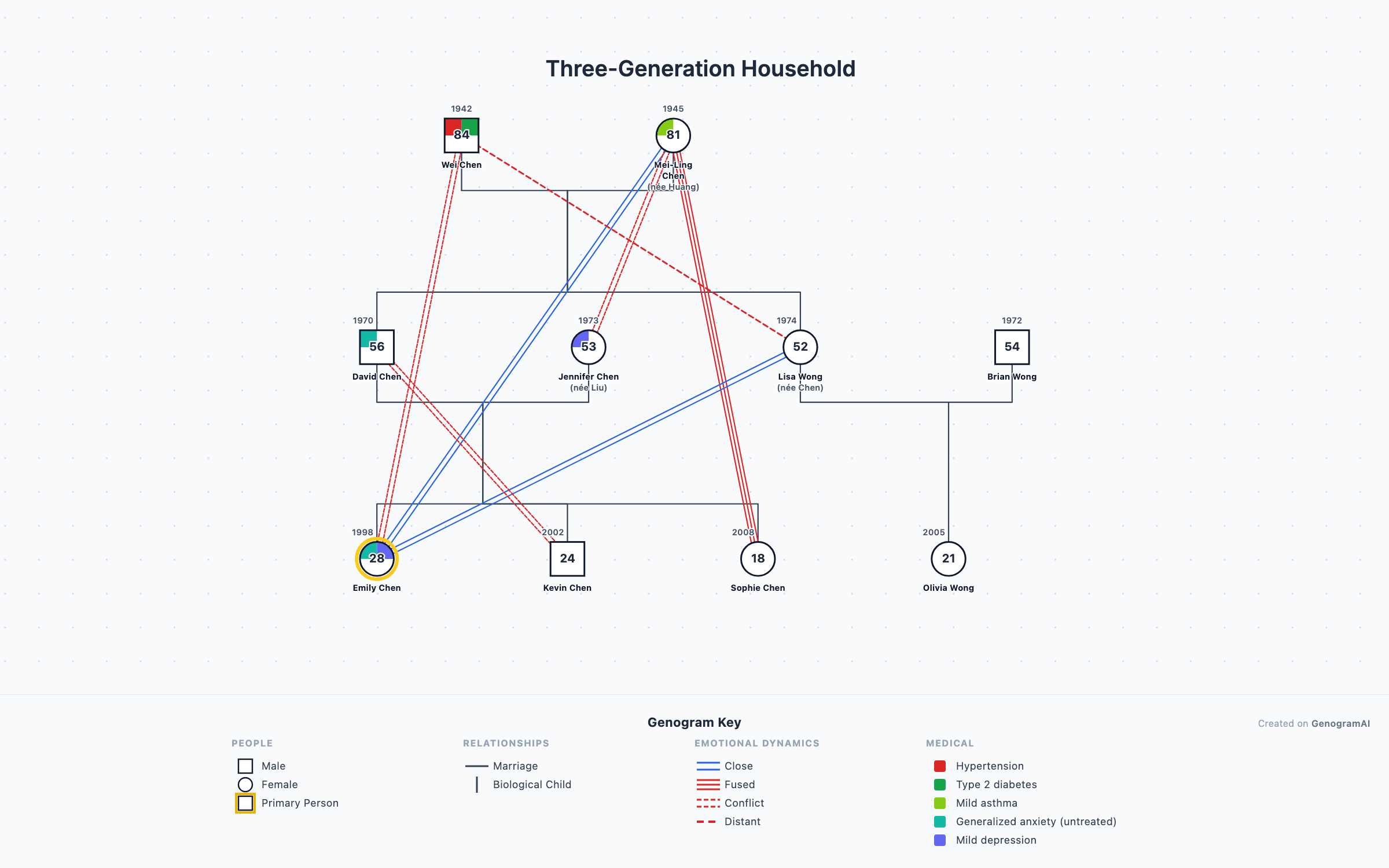
GenogramAI on Apple devices
Safari on iPad and iPhone
macOS desktop app
Open your work anywhere
Frequently asked questions
What is GenogramCreator and what platforms does it support?
GenogramCreator.com is a native genogram application available for iOS (iPad and iPhone) and macOS. It is installed from the App Store, not run in a browser, so it works offline and keeps your genograms on the device. It is a separate product from GenogramAI.
How is GenogramCreator different from GenogramAI?
GenogramCreator is a native Apple-platform app (iOS and macOS) focused on drawing genograms by hand. GenogramAI is a web-based tool that runs in any browser and adds AI: describe a family in text and the genogram builds itself. Because it runs in the browser, GenogramAI also works on Windows, Chromebook and Android, and your genograms are saved to your account so you can open them on any device.
Can I use GenogramCreator on Windows or Android?
No. GenogramCreator is built for Apple platforms only: iOS and macOS. If you need a genogram tool that works across Windows, Android, Chromebook, and Apple devices, GenogramAI runs in any modern browser.
Does GenogramCreator have AI features?
GenogramCreator does not include AI-powered genogram generation. It is a manual drawing tool. GenogramAI offers AI generation (type a description of a family and the genogram is created) alongside 64 relationship types (18 partner, 39 emotional, 7 child) and standard McGoldrick-style notation.
Which is better for therapists: GenogramCreator or GenogramAI?
It depends on your workflow. If you exclusively use Apple devices and prefer a native app experience with offline capability, GenogramCreator is worth evaluating. If you want AI-assisted creation during sessions, access from any device, or need to use a Windows or Chromebook computer, GenogramAI is the stronger clinical choice.