Community genogram · Shared by a GenogramAI user
John Loyd's Family Genogram
The John Loyd's Family Genogram maps 36 people across four generations. It records 3 deceased members and health history including heart disease and diabetes. Relationship lines show friendship and love, and the family structure includes widowhood.
- 36 people
- 4 generations
- Heart disease, diabetes
- Friendship, love, widowhood
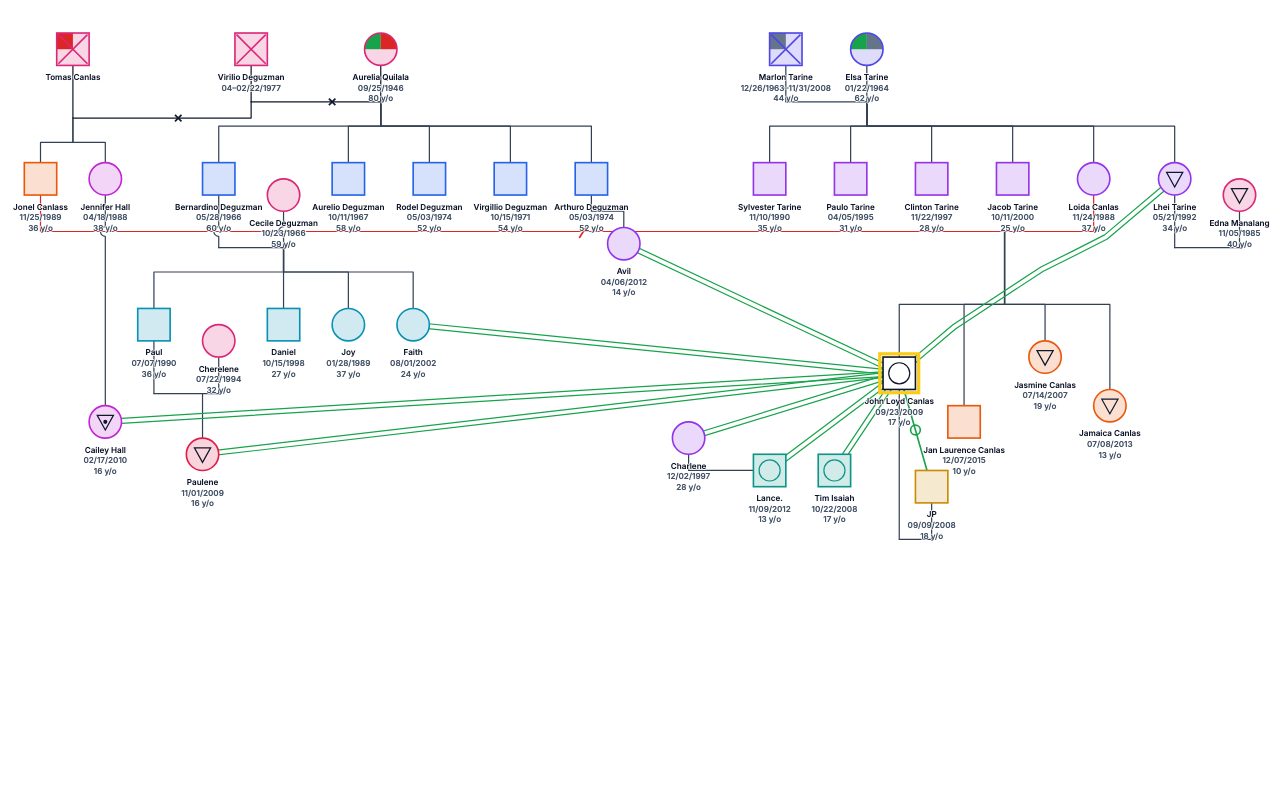
What this genogram shows
- 36 family members across four generations.
- 7 partnerships.
- 3 deceased people are marked with the deceased symbol.
- 3 people have recorded health conditions: heart disease and diabetes.
- Emotional relationship lines: friendship and love.
Symbols used
- Marriage
- A horizontal line joining two partners.
- Deceased
- An X drawn through the person symbol.
- Medical condition
- Filled or shaded segments inside the symbol mark recorded health conditions.
- Close relationship
- Parallel lines between two people with a warm, close bond.
See the full genogram symbols guide for every notation.
Generation by generation
Generation 1 (oldest)
The top row holds 6 people (3 men and 3 women). 3 of them have died, shown with an X. 3 couples are drawn here: 1 married and 2 widowed. 4 sets of parents account for 14 children one row down; the largest sibling group has 6, and one has a single child.
Generation 2
There are 17 people on the second row (12 men and 5 women). 2 people joined the family through a partnership, with no parents drawn above them. Partner lines join 3 couples: 2 married and 1 separated. 10 children descend from 4 sets of parents here; the largest sibling group has 4, and two have a single child.
Generation 3
The third row has 12 people (5 men and 7 women). 2 partners marry in from outside the family. The row contains 2 partnerships, all married. One set of parents here has 1 child in the next row.
Generation 4 (youngest)
The bottom row holds 1 person.
Emotional relationships
The chart records 9 emotional relationships between 10 people, namely 8 friendships and 1 loving relationship. Of these, 4 stay within one generation and 5 cross between generations.
Health history
3 family members have recorded health conditions, namely diabetes (2 people) and heart disease (2 people). Each condition stays within a single generation here.
How to read this genogram
- Start at the top row: the 6 people of the oldest generation. Squares are males and circles are females; this chart has 20 squares and 16 circles.
- Follow the horizontal lines between partners. There are 8 partner lines, and 1 is crossed by slashes: one slash for a separation, two for a divorce.
- Trace the vertical lines that drop from each couple to their children. 25 people have parents drawn in this genogram.
- Look for an X through a symbol: it marks a person who has died. 3 people are marked that way here.
- Read the coloured or patterned lines last. They describe how people get along: a line with small circles for friendships and a styled line for loving relationships.
- Finish at the bottom row, the youngest generation, with 1 person.
Start from this genogram
Open it in GenogramAI, make a copy, and edit the people, relationships and health history to fit your own family or case. Or describe a family in plain words and let the AI draw it.
Questions about this genogram
How many people and generations are in the John Loyd's Family Genogram?
It shows 36 people across four generations, from 6 people in the oldest row to 1 person in the youngest. It includes 8 couples, 1 of which ended in divorce or separation. 3 people are marked deceased.
What do the lines in this genogram mean?
Solid horizontal lines join partners, and vertical lines connect parents to children. The other lines are emotional relationship lines: 8 friendships and 1 loving relationship. The genogram symbols guide on genogramai.com shows every line style.
Can I use this genogram as a template?
Yes. Choose "Use this template" to copy it into a free GenogramAI account, then replace the people and relationships with your own.
How do I make a genogram like this one?
Open the GenogramAI genogram maker and describe the family in plain words, for example how many generations, who is married or divorced, and who the children are. The AI draws it with the same notation, and you can edit every person and line afterwards. For a four-generation chart like this, start with the oldest couple and work down one row at a time.
More community genograms
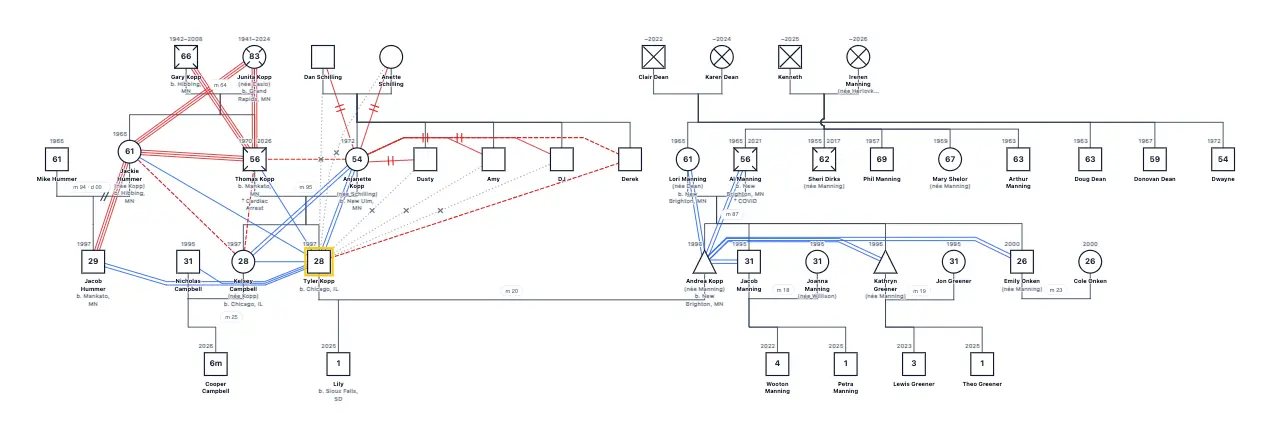
Tyler Kopp's Family Genogram
40 people · 4 generations · Blended family, Divorce
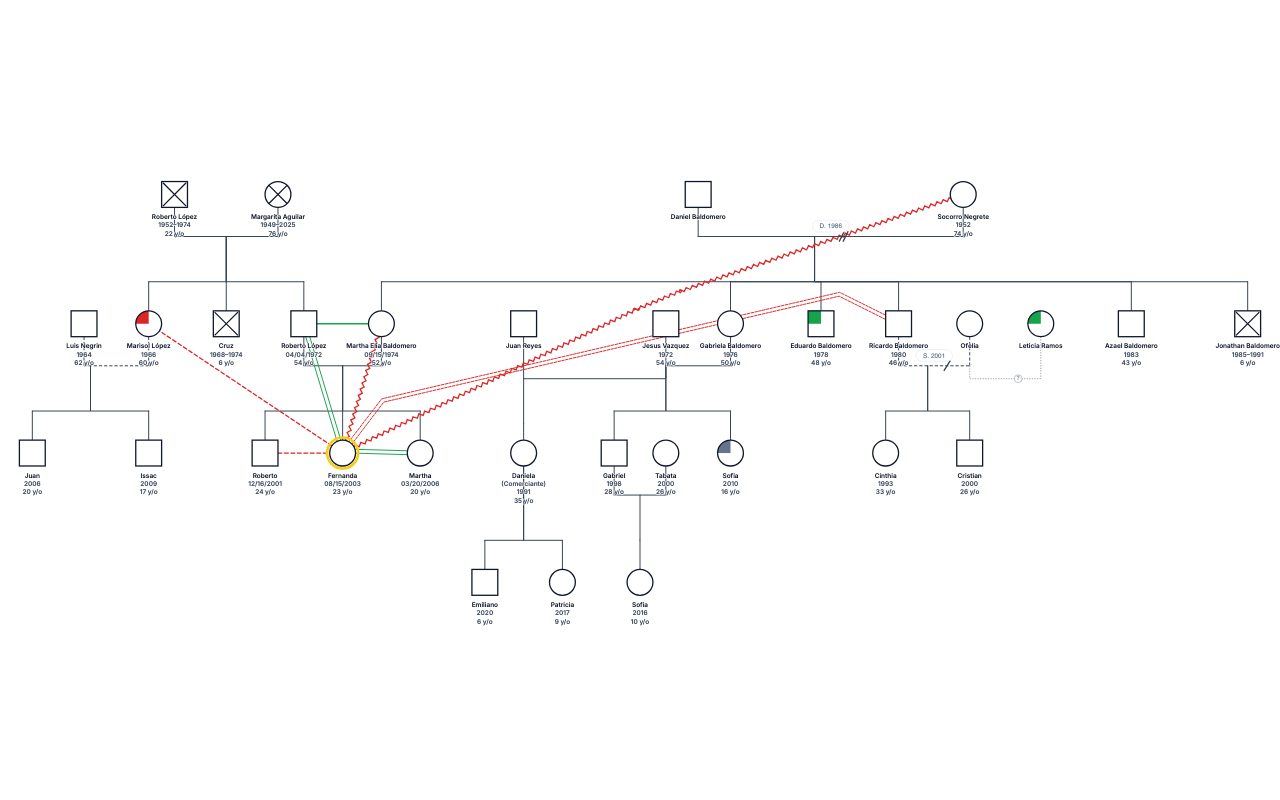
Fernanda's Family Genogram
32 people · 4 generations · Blended family, 2 divorces/separations
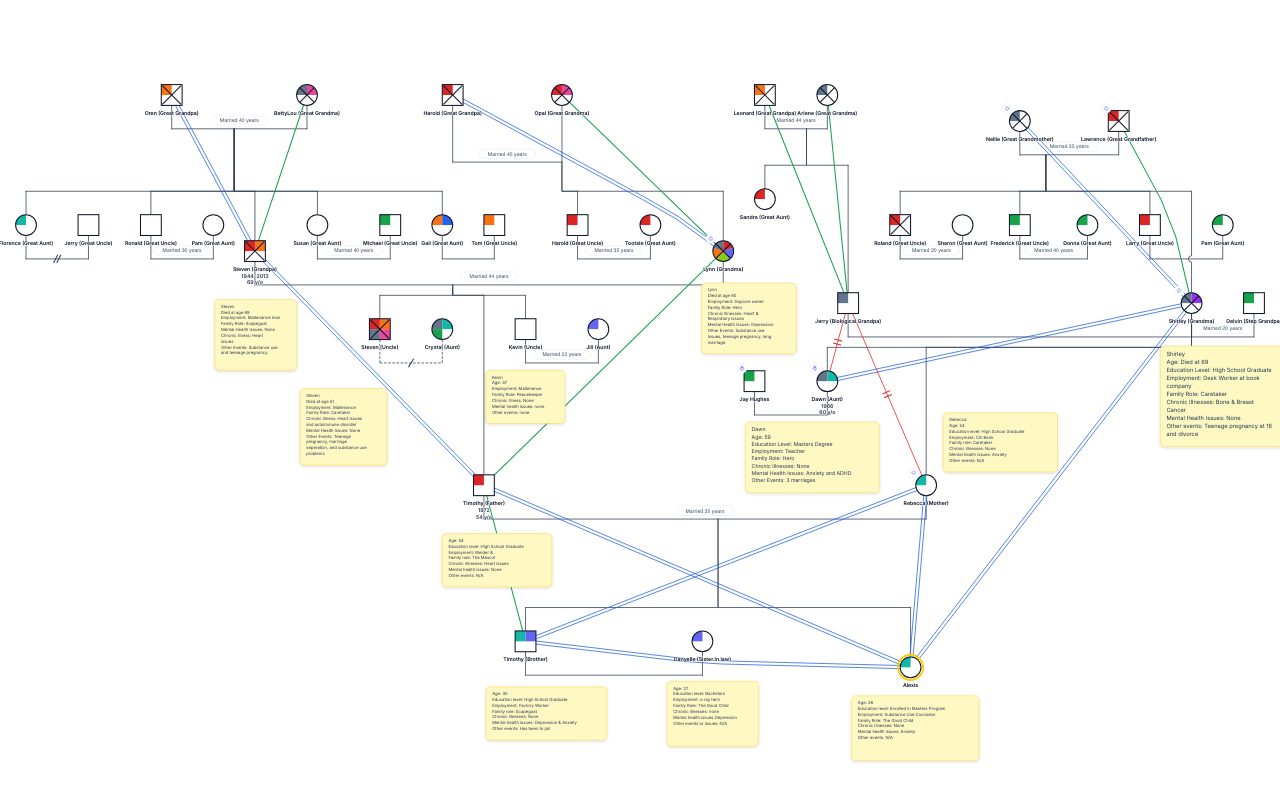
Alexis's Family Genogram
41 people · 4 generations · Blended family, 2 divorces/separations
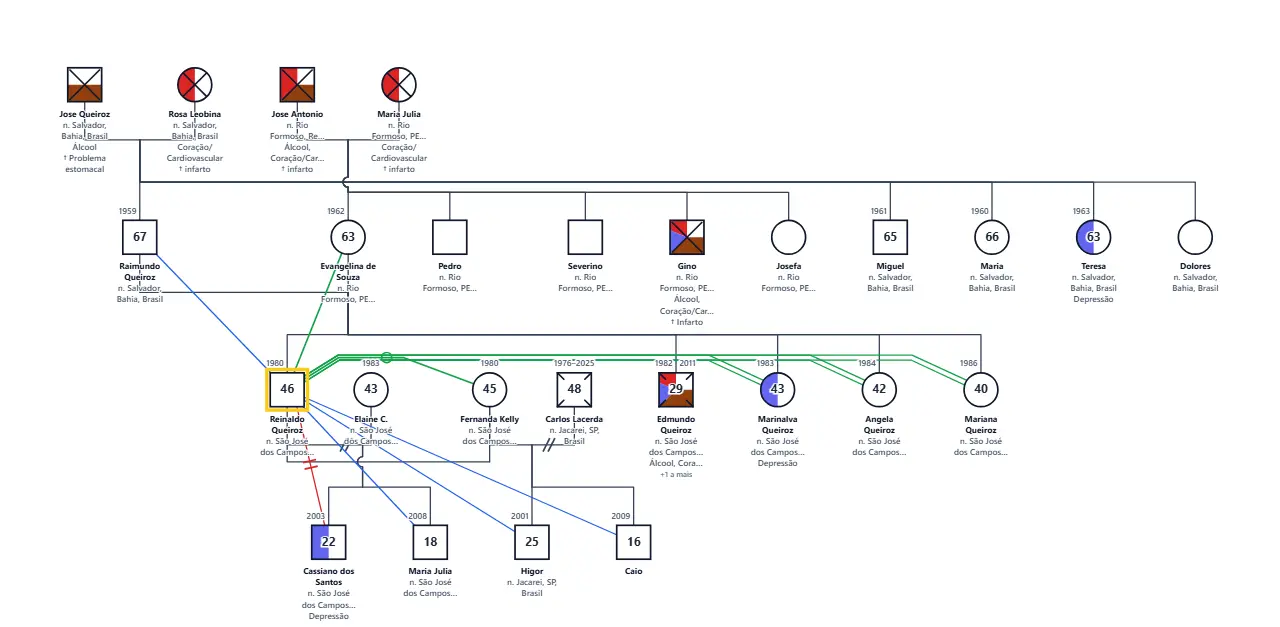
Reinaldo Queiroz's Family Genogram
26 people · 4 generations · Blended family, 2 divorces/separations
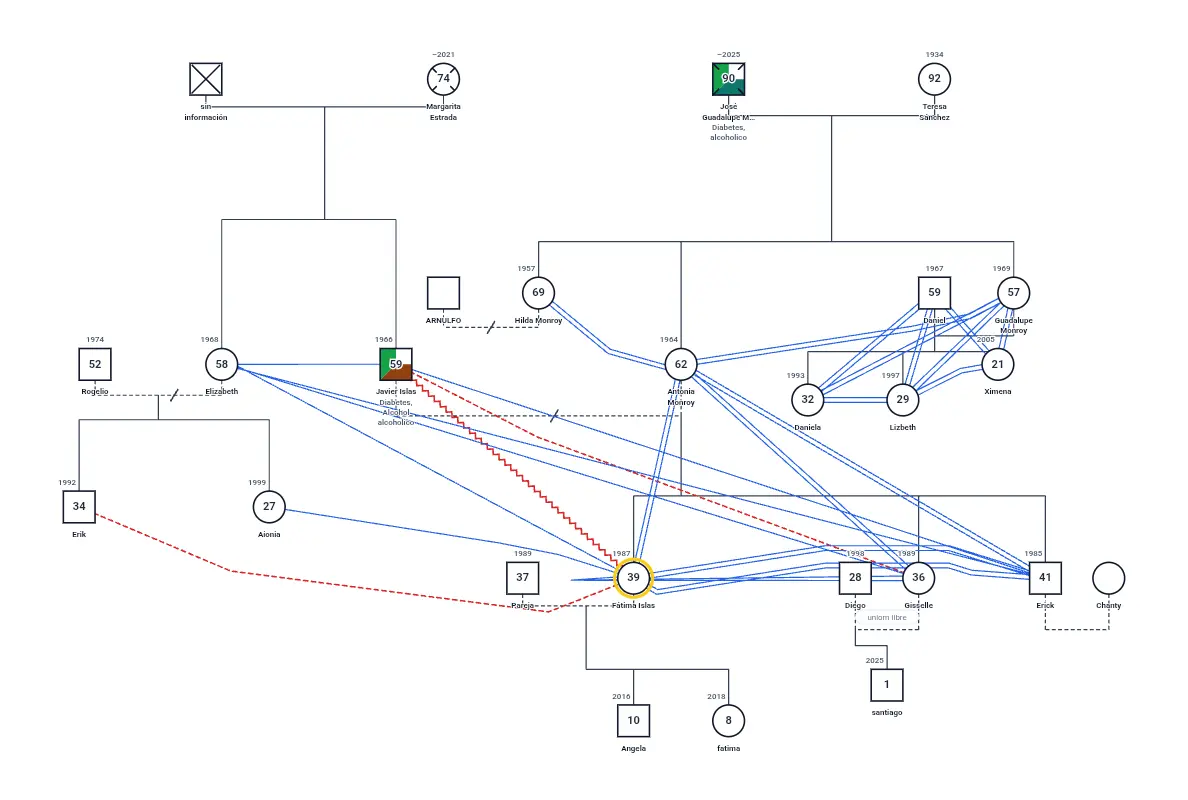
Fátima Islas's Family Genogram
26 people · 4 generations · Blended family, 3 divorces/separations
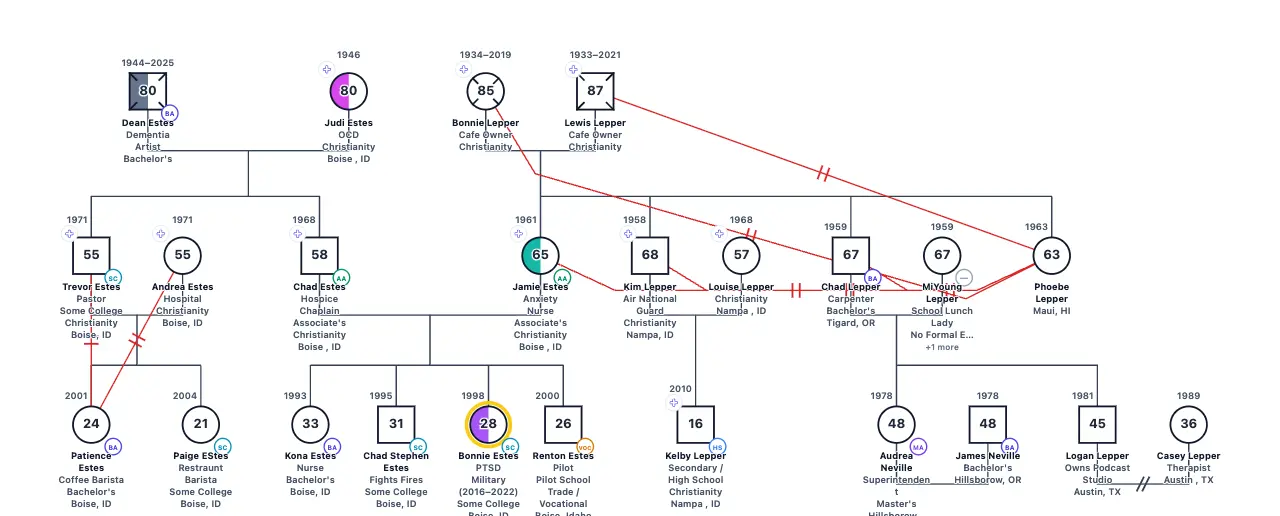
Bonnie Estes' Family Genogram
24 people · 3 generations · Blended family, Divorce
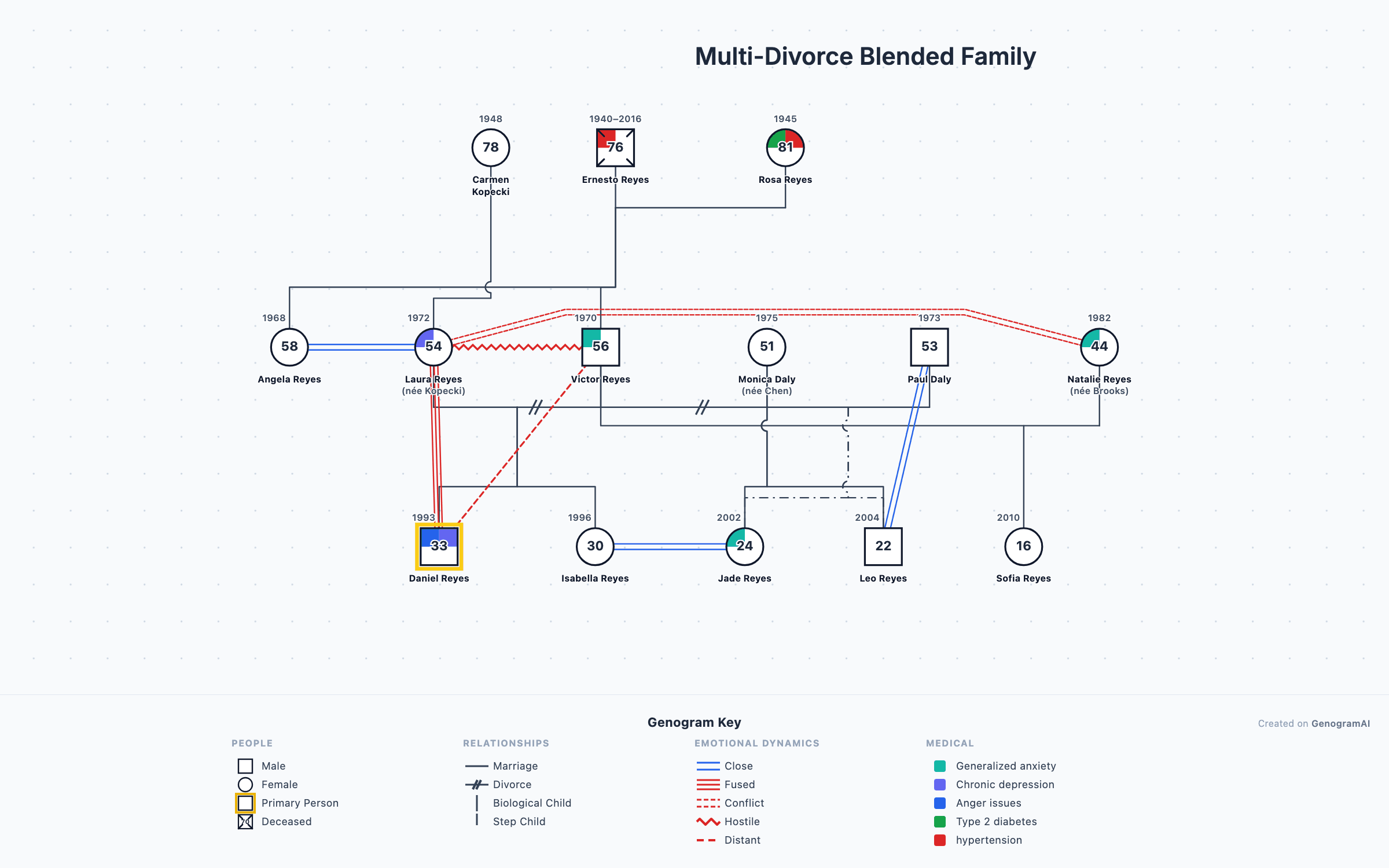
About community genograms: a GenogramAI user published this genogram to the community gallery and chose to feature it on genogramai.com. It is shown as an illustration of genogram notation, not a clinical record. The owner can remove it at any time.