How to Draw Emotional Relationship Lines in a Genogram
Emotional relationship lines are what separate a genogram from a family tree — and, in our support logs, the thing users most want help drawing. The vocabulary: line style = relationship quality.
The notation
The core set
Close: two parallel lines. Fused (enmeshed): three parallel lines. Conflicted: two dashed red lines (classic notation uses a jagged line). Fused-and-conflicted: three lines with jags. Distant: a dashed line. Cutoff (estrangement): a line broken by two small perpendicular strokes. Caretaker, focused-on, abuse, and others extend the set — GenogramAI ships 38 types.
Direction
Some lines carry arrows: abuse points at the victim; “focused on” points at the person receiving the (positive or negative) focus.
Multiple qualities
Two people can carry more than one line — a marriage can be both close and conflicted. Good tools support stacking them.
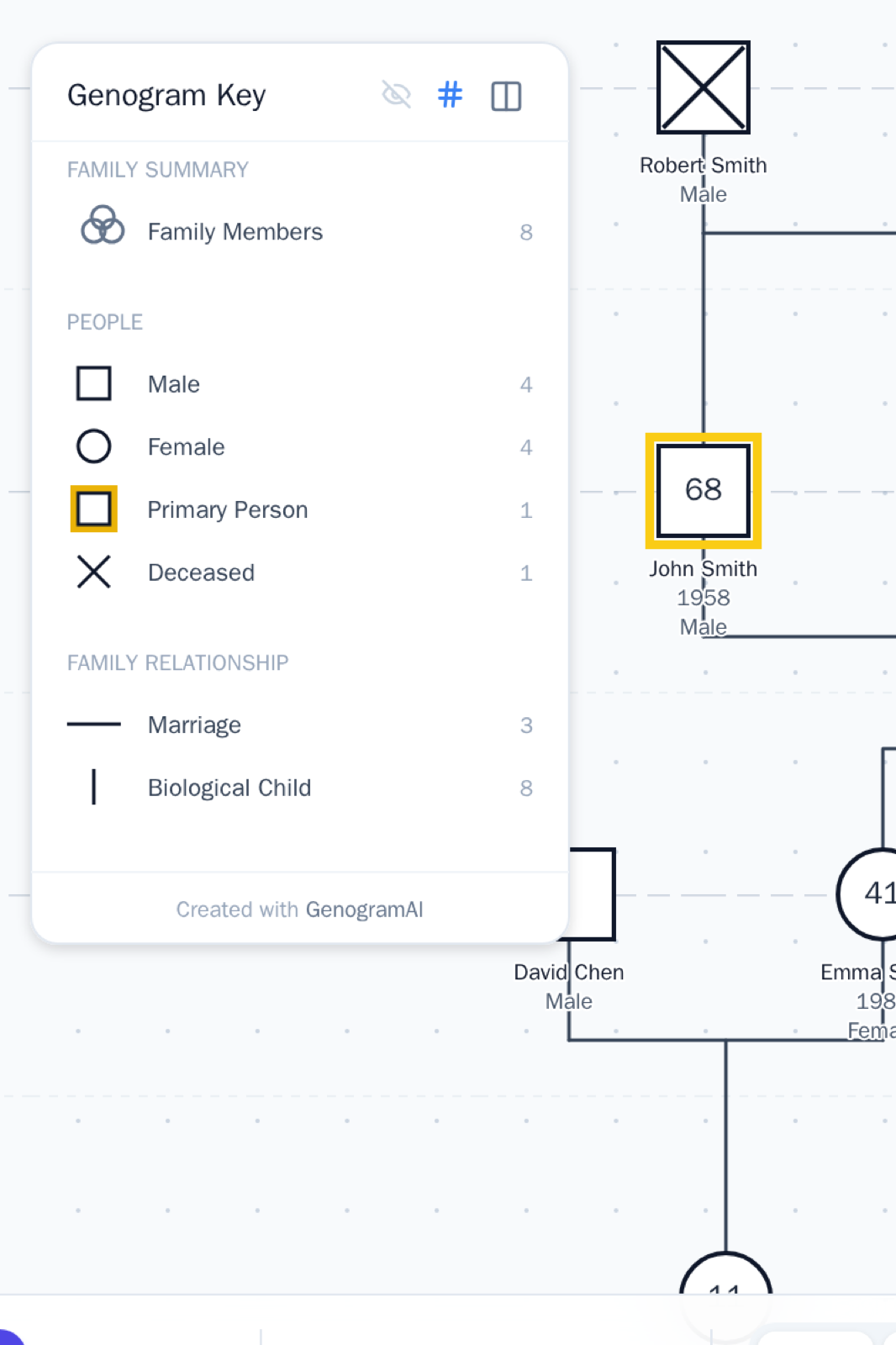
How to draw it in GenogramAI
- 1Select the relationship line tool, click the first person, then click the second person
- 2Pick the type from the picker that appears — the notation renders and joins the key
- 3If the second click doesn’t register, click directly on the person’s symbol (not their label), and zoom in on dense areas
"Add a conflicted relationship between Sam and his father, and a close one between Sam and his grandmother."
Frequently asked questions
What do double and triple lines mean in a genogram?
Two parallel lines = a close relationship; three = fused (enmeshed). Adding jagged strokes to the triple line means fused and conflicted at once.
What is the symbol for estrangement in a genogram?
The cutoff line: a relationship line interrupted by two small perpendicular strokes, marking a severed relationship. It can be dated (“cutoff since 2015”).
Can two people have more than one emotional line?
Yes — relationships carry multiple qualities, and notation allows stacking (e.g., close + conflicted). GenogramAI supports multiple emotional connections between the same two people.
Why won’t my emotional line connect to the second person?
Click directly on the person’s symbol rather than their name label, and zoom in when symbols are close together. In GenogramAI you can also just tell the AI: “add a close relationship between X and Y.”
Draw it correctly, automatically
GenogramAI renders standard notation for you — describe your family and the symbols come out right.
Start free — no credit card