How to Mark the Index Person (Identified Patient) in a Genogram
Every genogram is drawn from someone’s point of view. That someone — the index person, identified patient (IP), or proband in genetics — gets visually distinguished so the reader instantly knows whose family this is.
The notation
The doubled symbol
The index person’s square or circle is drawn with a double outline. Everything else about their notation stays the same.
One per genogram (usually)
Convention is a single index person; couple-therapy genograms sometimes mark both partners. The generational layout centers on the index person’s generation.
Terminology
“Index person” and “identified patient” are clinical terms; genetics uses “proband” with an arrow pointing to the symbol instead of doubling it.
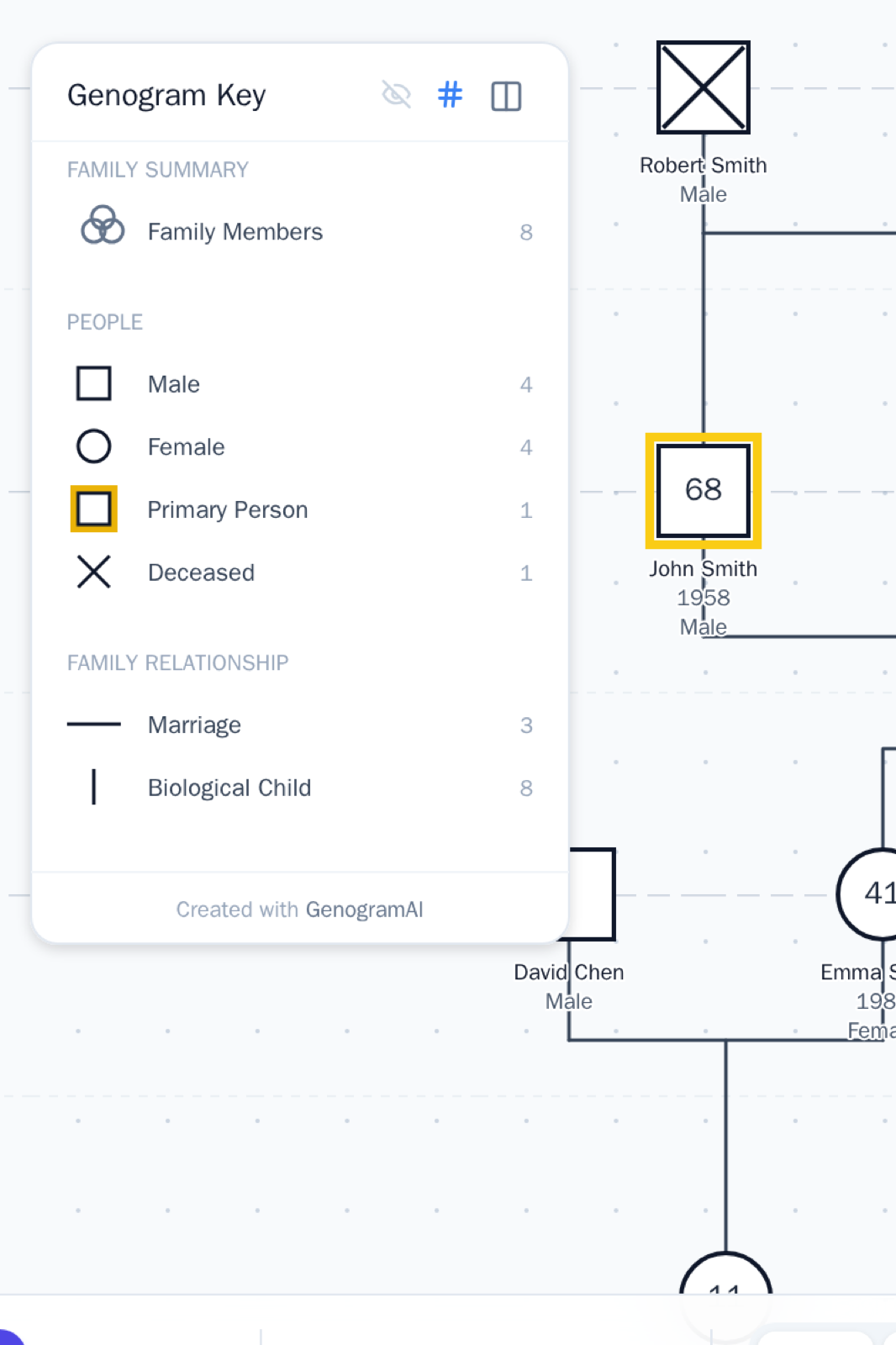
How to draw it in GenogramAI
- 1The index person is marked with a highlighted double border and appears as “Primary Person” in the key
- 2To change who it is: open the person’s options and set them as the primary/index person
- 3The auto-arrange layout centers generations around the index person
Frequently asked questions
What does a double square or double circle mean in a genogram?
That’s the index person (identified patient) — the person whose genogram it is. The doubled outline sets them apart from everyone else.
Can a genogram have two index persons?
Convention says one, but couples work sometimes doubles both partners. If you mark two, be consistent and say so in the key.
How do I change the primary person in GenogramAI?
Open the options for the person you want and set them as primary — the doubled-border highlight moves, and layout centers on them.
Draw it correctly, automatically
GenogramAI renders standard notation for you — describe your family and the symbols come out right.
Start free — no credit card