Free genogram template
4 Generation Genogram Template
Quick answer
Download the 4 generation genogram template
- Blank template (PDF)US Letter, print and fill in by hand
- Editable PowerPoint (.pptx)Every symbol and line is a shape; opens in Google Slides and Keynote
- Filled example + blank (PDF)Two pages: the example with its key, then the blank
- High-resolution example (PNG)2400 px wide, free to reuse with credit
- Vector blank (SVG)Edit in Illustrator, Inkscape, Figma or Canva
When to use a 4 generation genogram template
Use the four-generation layout when the person at the centre of the genogram is an adult with children of their own. Parenting questions, a child’s referral seen through the parent’s history, postpartum depression, or a grandparent stepping in to help all need the youngest generation on the chart. With three rows you lose either the grandparents or the children, and the pattern you are trying to show usually runs through both.
It also suits family-of-origin coursework that asks for four generations, and medical histories where an inherited condition has to be followed from grandparents to grandchildren. Because four rows take more vertical space, each row has fewer sibling slots than the three-generation page; add extra siblings by copying shapes in the PowerPoint file or by working in the online version.
If the index person has no children, the 3 Generation Genogram Template is cleaner. If the family is large or has several marriages in the middle generation, start from the Divorce and Remarriage Genogram Template or build it online, where the layout widens automatically.
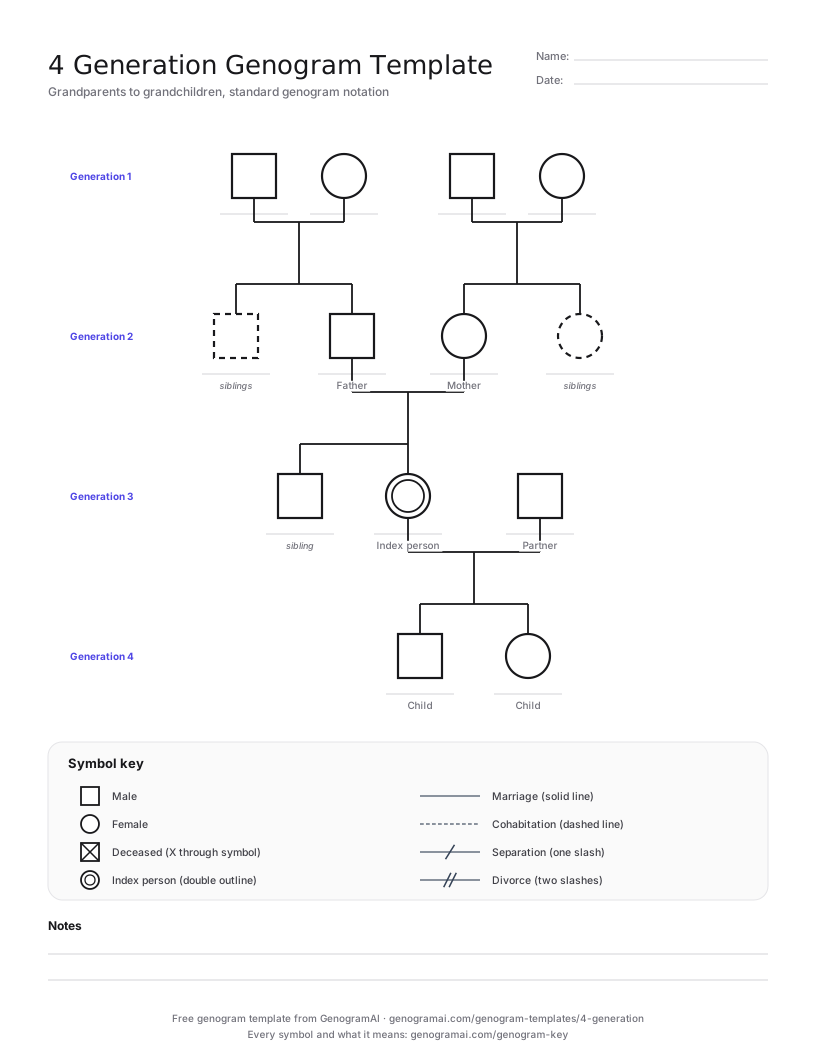
The blank template and a filled-in example
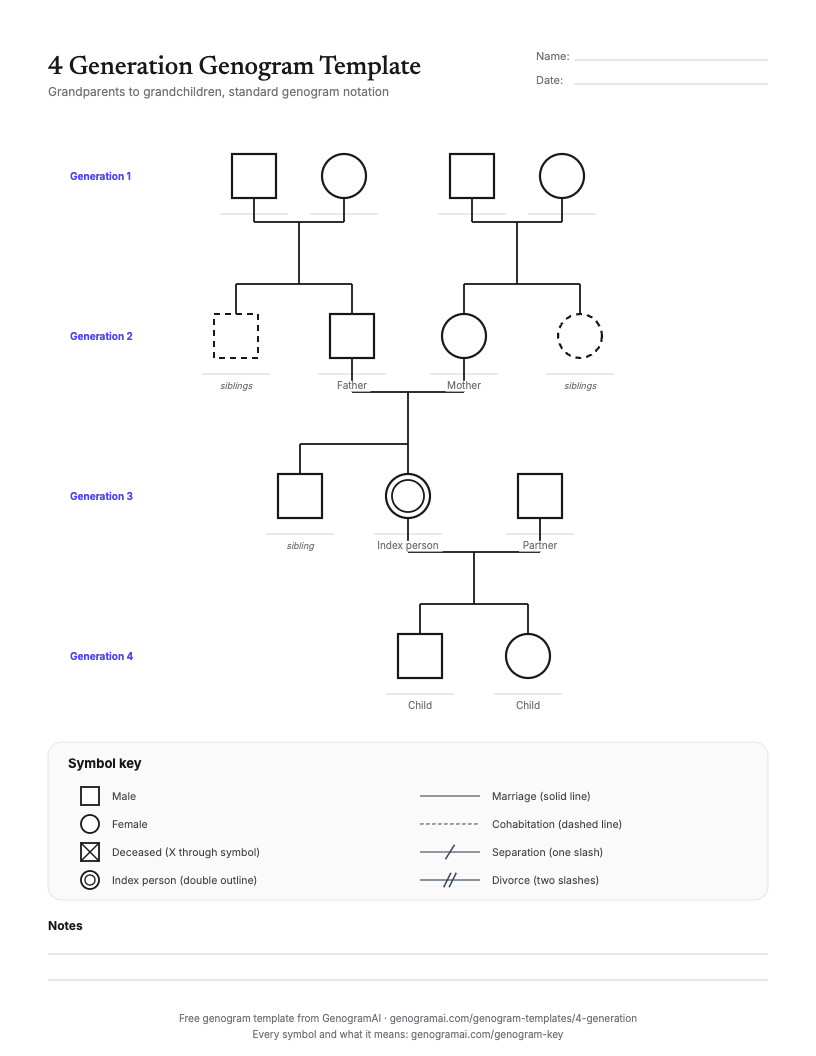
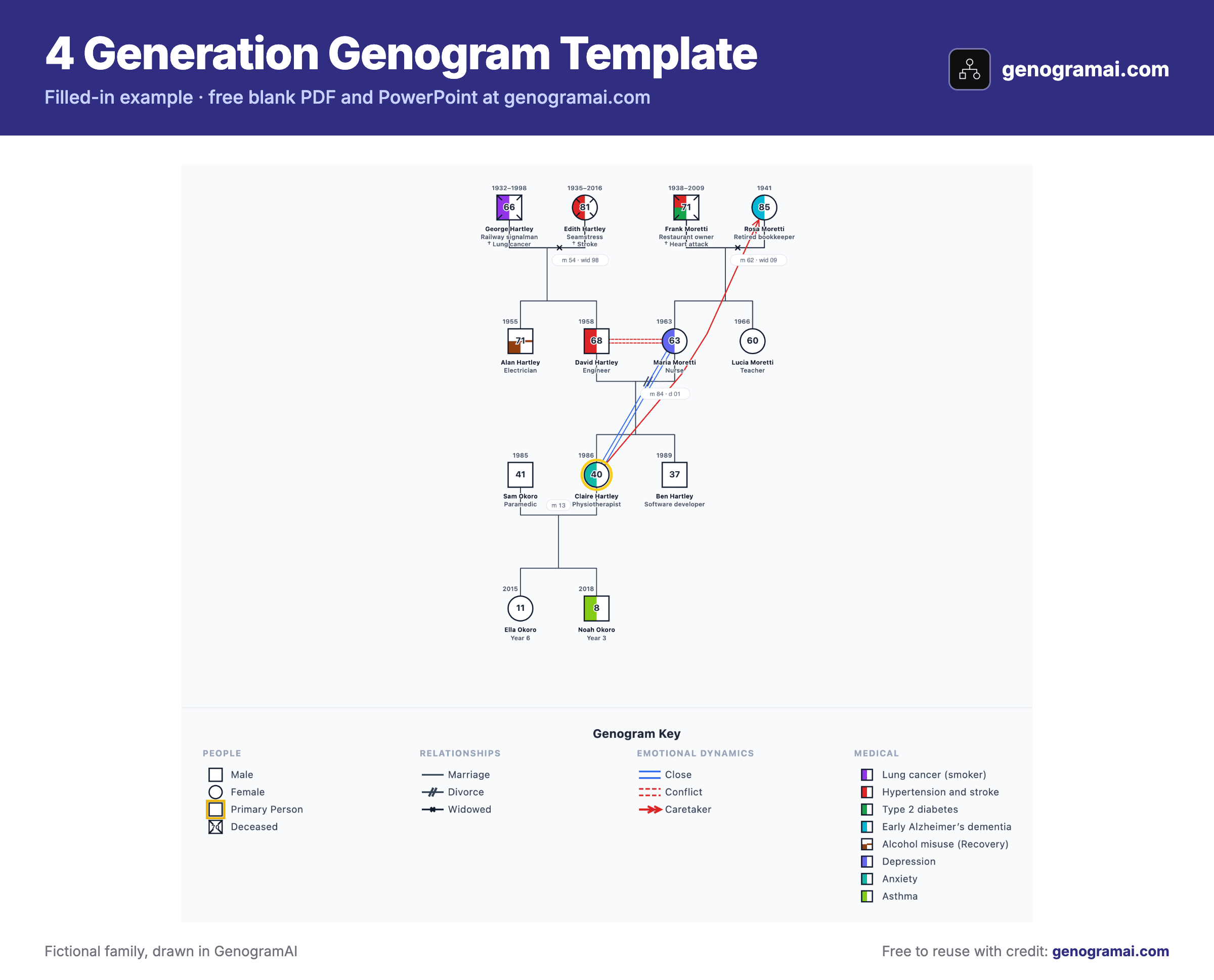
Open this example in GenogramAI to start from the finished layout: it copies into your account (the Free plan holds 2 genograms) and every person, line and condition stays editable.
How to fill in a 4 generation genogram template
- 1
Start in the third row
Draw the index person with a double outline, their partner beside them, and their siblings in birth order, oldest on the left. - 2
Add the children below
Drop a line from the couple line to the fourth row and add each child, oldest on the left, with birth years. - 3
Work upward
Fill in the parents and their siblings, then both grandparent couples. Mark deaths with an X and add years. - 4
Mark the pattern
Once the structure is right, add the emotional lines or condition shading that show what repeats from the top row to the bottom.
Symbols this template uses
| Symbol | What it means |
|---|---|
| Square / circle | Male / female. GenogramAI also has symbols for trans, non-binary, intersex and unknown gender. |
| Double outline | The index person: the client, patient or student the genogram is about. |
| X through the symbol | Deceased. Write birth and death years beside it; age at death can go inside the symbol. |
| Solid horizontal line | Marriage. Children hang from this line, oldest on the left. |
| Dashed horizontal line | Cohabitation (living together, not married). |
| Two slashes on the partner line | Divorce. One slash on a solid line is a legal separation. |
| Dashed symbol | On the printable, an empty slot you can fill or delete (a sibling you may need to add). |
Common mistakes to avoid
- Putting the index person’s partner in the parents’ row. Partners sit on the same row as the person they partner with.
- Drawing the fourth generation under the index person alone. Children hang from the couple line between the index person and their partner (or from one parent if the other is unknown).
- Dropping dates to save space. With four rows, birth years are what let a reader see who overlapped with whom.
- Shrinking the grandparents’ siblings off the page. If a great-aunt or great-uncle matters to the story, keep them and move the notes instead.
Who uses this template?
Therapists and counselors working with parents, family medicine and nursing students taking a family health history, genetic counseling trainees, and students whose assignment asks for four generations.
Common uses
- Parent-focused therapy where the child’s difficulties echo the parent’s own childhood
- Following an inherited condition from grandparents to grandchildren
- Grandparents raising or helping to raise grandchildren
- Family-of-origin assignments that require four generations
- Life-cycle transitions such as a first grandchild or the death of the oldest generation
What the template covers
- Four-row layout on US Letter, with paternal and maternal sides
- Index person with partner and child slots
- Dashed slots for siblings you may need to add
- Symbol key for people and partner lines
- Notes lines for patterns and missing information
- Editable PowerPoint and SVG versions
What is free?
Free and paid, plainly
Frequently asked questions
What are the four generations on a 4 generation genogram?
Counting from the top: grandparents, parents (with aunts and uncles), the index person with partner and siblings, and the index person’s children. Some courses instead start one row higher, with great-grandparents, and stop at the index person; the same template works if you shift the labels up one row.
Is a 4 generation genogram better than a 3 generation one?
Not by default. Three generations is the clinical norm and is easier to read. Add the fourth row when the index person has children who matter to the question you are asking, or when an assignment or a genetic history asks for it.
How do I fit four generations on one page?
Keep symbols small, write only first names and years, and move longer notes into the notes area or a separate sheet. In GenogramAI the layout widens automatically and exports as one image, so large families are easier online than on paper.
Can I edit this template in Word or Google Docs?
Yes. Open the PowerPoint file, select the shapes and paste them into Word, or upload the file to Google Slides and paste the shapes into a Google Docs drawing. Each square, circle and line stays editable.
Further Reading
- McGoldrick, M., Gerson, R., & Petry, S. — Genograms: Assessment and Treatment (4th ed.). W.W. Norton & Company, 2020
- McGoldrick, M., Garcia Preto, N., & Carter, B. — The Expanding Family Life Cycle: Individual, Family, and Social Perspectives (5th ed.). Pearson, 2016