Import
Import a family tree file into a genogram
Quick answer
How do you import a family tree into a genogram?
- 1
Export your tree
Download a GEDCOM (.ged) file from your genealogy website or program, or use its own file if it is listed below (GenoPro, Gramps, RootsMagic, Family.Show or a spreadsheet). - 2
Open the Import card
In GenogramAI, choose Start New on the dashboard and click Import (GEDCOM, GenoPro, Gramps, CSV & more), then pick your file. Import is available on the Professional ($12/month or $99/year) and Clinical ($29/month or $228/year) plans; it is locked on Free. - 3
Check the layout
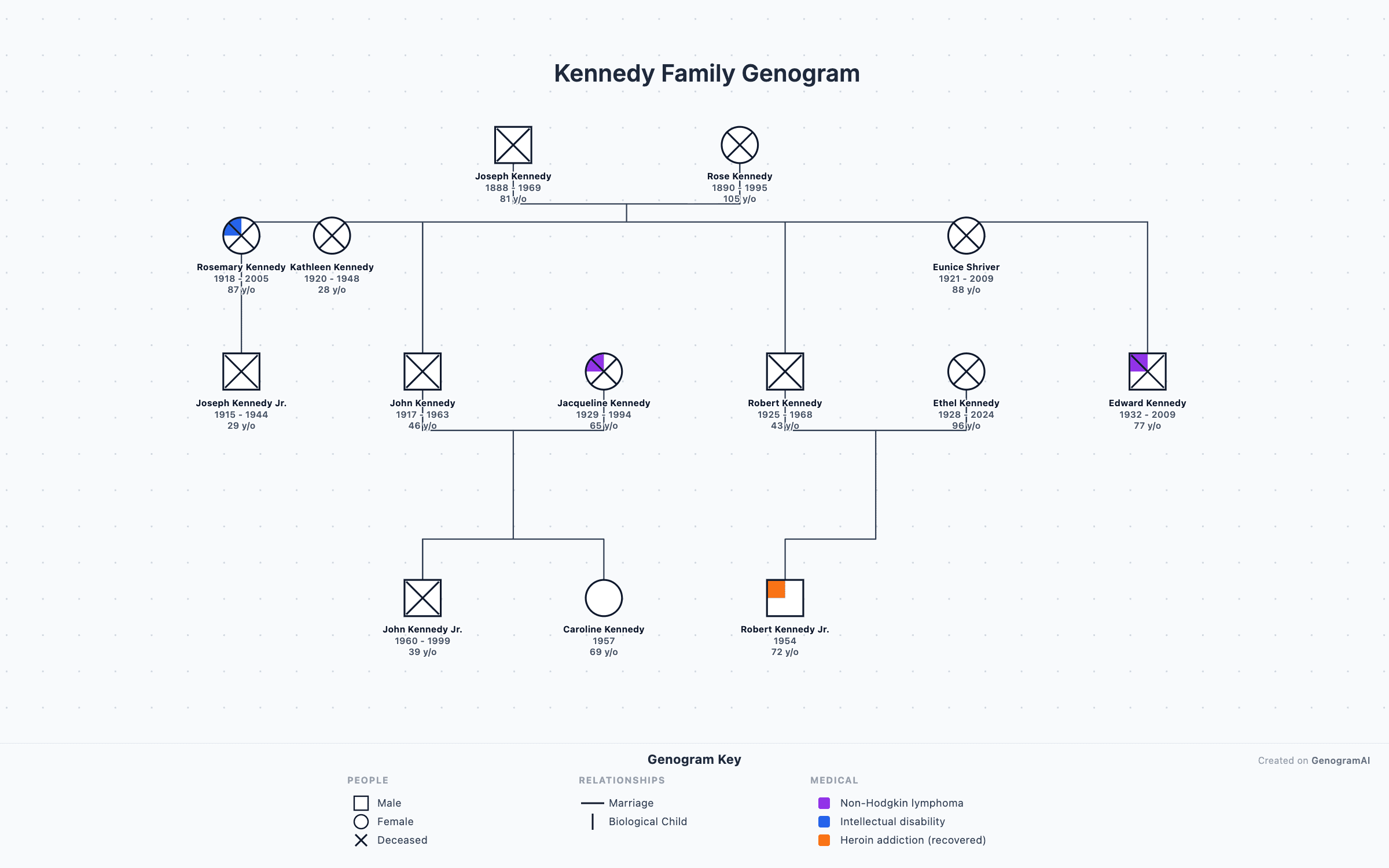
The tree opens as a new genogram, laid out by generation with couples and siblings in genogram order. You can undo the import in one step. - 4
Add what a family tree does not have
Add emotional relationships, medical conditions, households and notes in the side panel, or describe them to the AI.
Which family tree files can you import?
| Format | Files | Where it comes from | What comes across |
|---|---|---|---|
| GEDCOM | .ged, .gedcom | Almost every genealogy program and website can export it | People, dates and places, couples, divorces, adopted, foster and step children, sources and citations. GEDCOM 5.5, 5.5.1 and 7.0 in UTF-8, UTF-16, ANSEL or ANSI. |
| Zipped GEDCOM | .gdz, .zip | GEDCOM 7 “GEDZIP” packages, or a .ged inside a zip | Everything above; we read the GEDCOM file inside. |
| GenoPro | .gno | Files saved by GenoPro 2 or later | People, families, union types, adopted and foster children and, where the file has them, emotional relationships. |
| Gramps | .gramps, .gpkg | Gramps XML exports and Gramps packages | People, families, events, child relationship types and sources. |
| RootsMagic | .rmtree | RootsMagic database files | People, families, child relationship types and events. |
| GEDCOM X | .json, .xml, .gedx | The FamilySearch GEDCOM X data format | People, couples and parent-child relationships. |
| Family.Show | .familyx | The open-source Family.Show app | People, couples and parent-child relationships. |
| Spreadsheet | .csv, .tsv, .xlsx | Any spreadsheet with one row per person | Names, sex, dates and places, parents and spouses by ID or by name, marriage and divorce dates. |
Getting a file out of another app
Genealogy websites
Desktop genealogy programs
GenoPro
Gramps
A spreadsheet
After the import
Laid out for you
Then make it a genogram
Read in your browser
Family tree vs genogram
Questions
What family tree files can GenogramAI open?
GEDCOM (.ged) 5.5, 5.5.1 and 7.0 including zipped .gdz files, GenoPro .gno files saved by GenoPro 2 or later, Gramps .gramps and .gpkg, RootsMagic .rmtree, GEDCOM X, Family.Show .familyx, and CSV, TSV or Excel .xlsx spreadsheets.
Can I import a Family Tree Maker file?
Not directly — Family Tree Maker’s own files are encrypted. Export your tree as GEDCOM from Family Tree Maker, then import the .ged file. The same applies to Legacy Family Tree and MacFamilyTree.
Is my file uploaded anywhere?
The file is read in your browser. The genogram it produces is then saved like any other chart: to your account, or kept encrypted on your device in Clinical mode.
Do emotional relationships come across?
From GenoPro files and GenoPro’s GEDCOM export, yes: hostile, fused, close, distant, abuse and the other emotional links map to the matching GenogramAI line. Standard GEDCOM has no emotional relationships, so for other sources you add them after importing, or ask the AI.
How do dates like 03/04/1950 import from a spreadsheet?
If any date in the file is unambiguous (a day above 12) we use that order for the whole file. If every date could be read either way, we follow your date format setting and say so after the import.
How big a tree can I import?
We test with trees of over 30,000 people. Files with a few thousand people open in seconds; very large trees can take up to a minute.