Family tree templates
Free family tree templates: print one or edit online
Quick answer
Printable family tree templates (PDF)
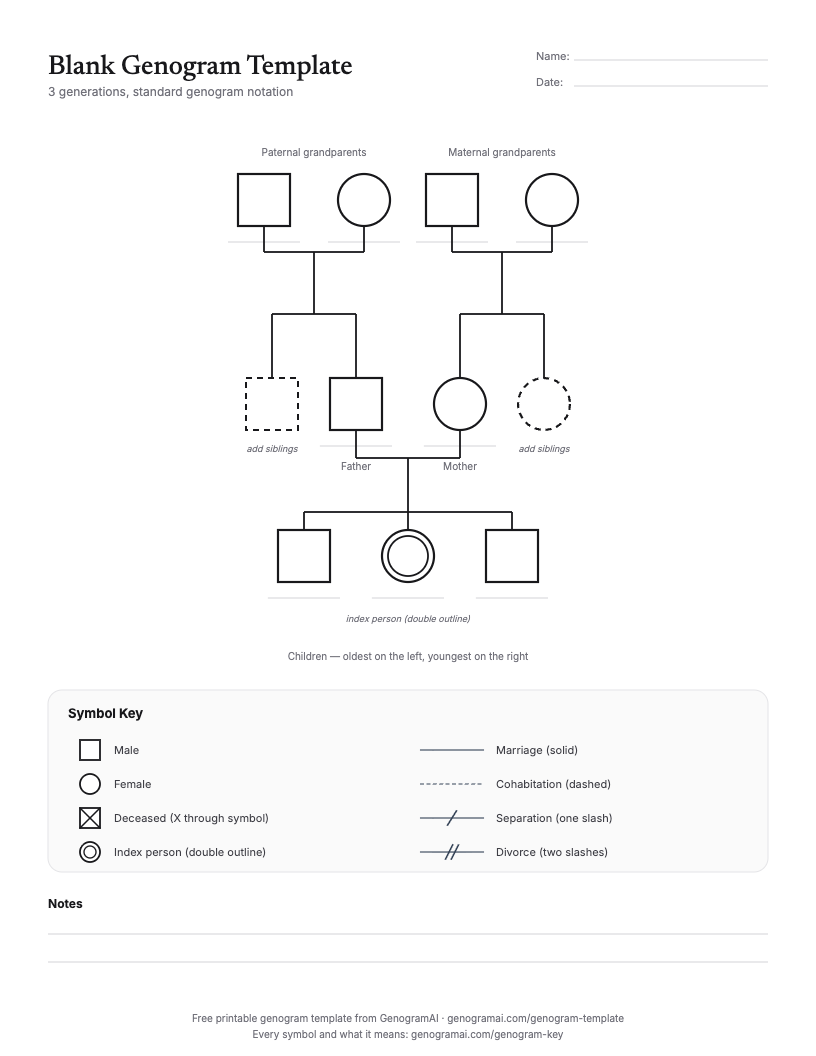
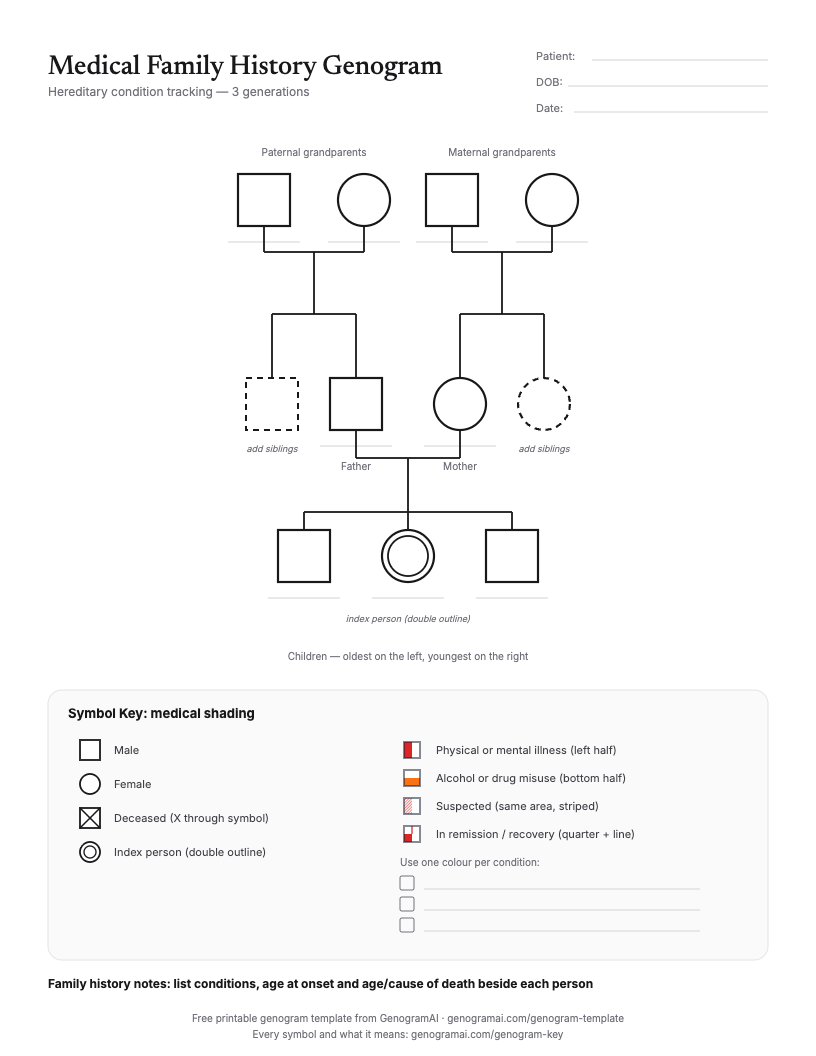
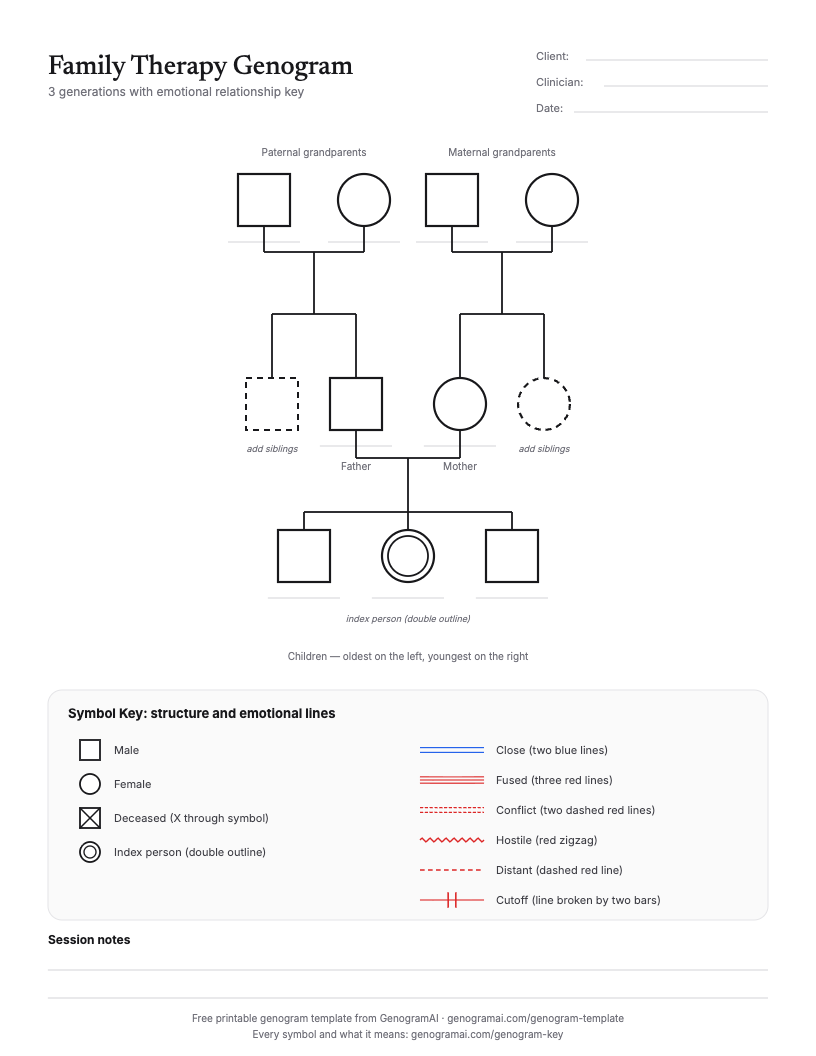
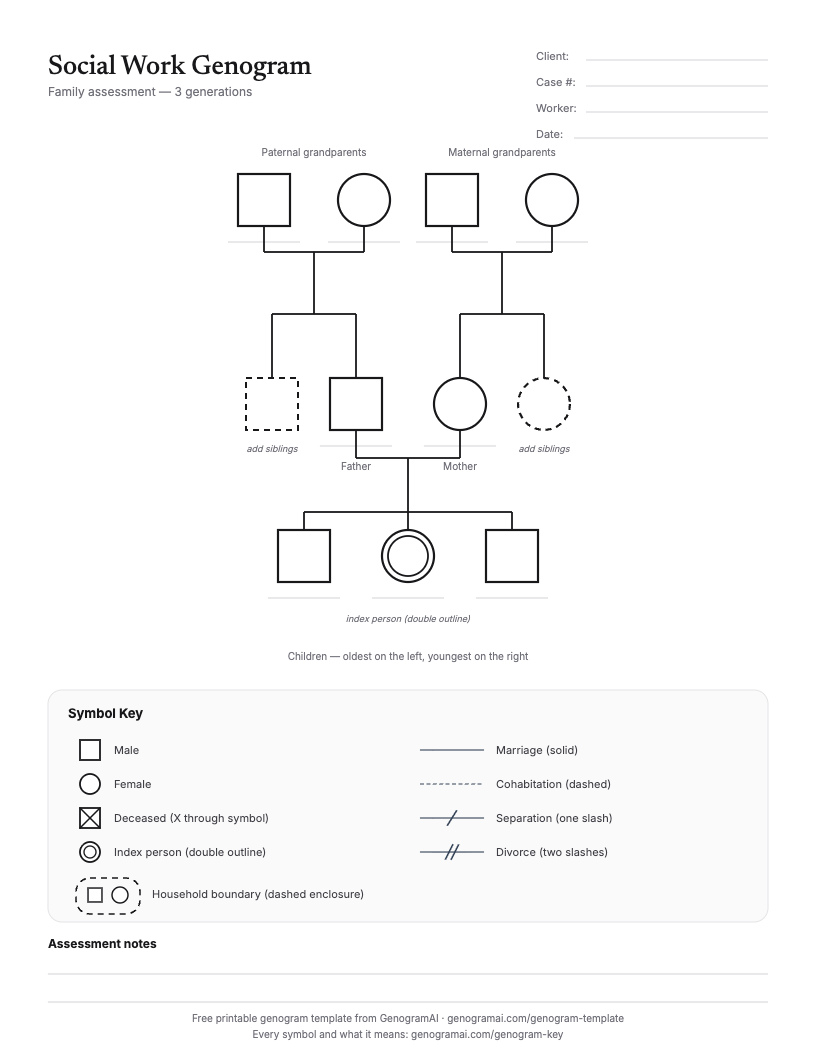
These are genogram templates: the standard squares and circles of a family tree, plus a key for the extra detail a genogram can hold. Fill in names only and they work as a plain family tree. Need the meaning of every symbol? Print the genogram key (PDF) or the symbols chart (PDF).
Editable online family tree templates
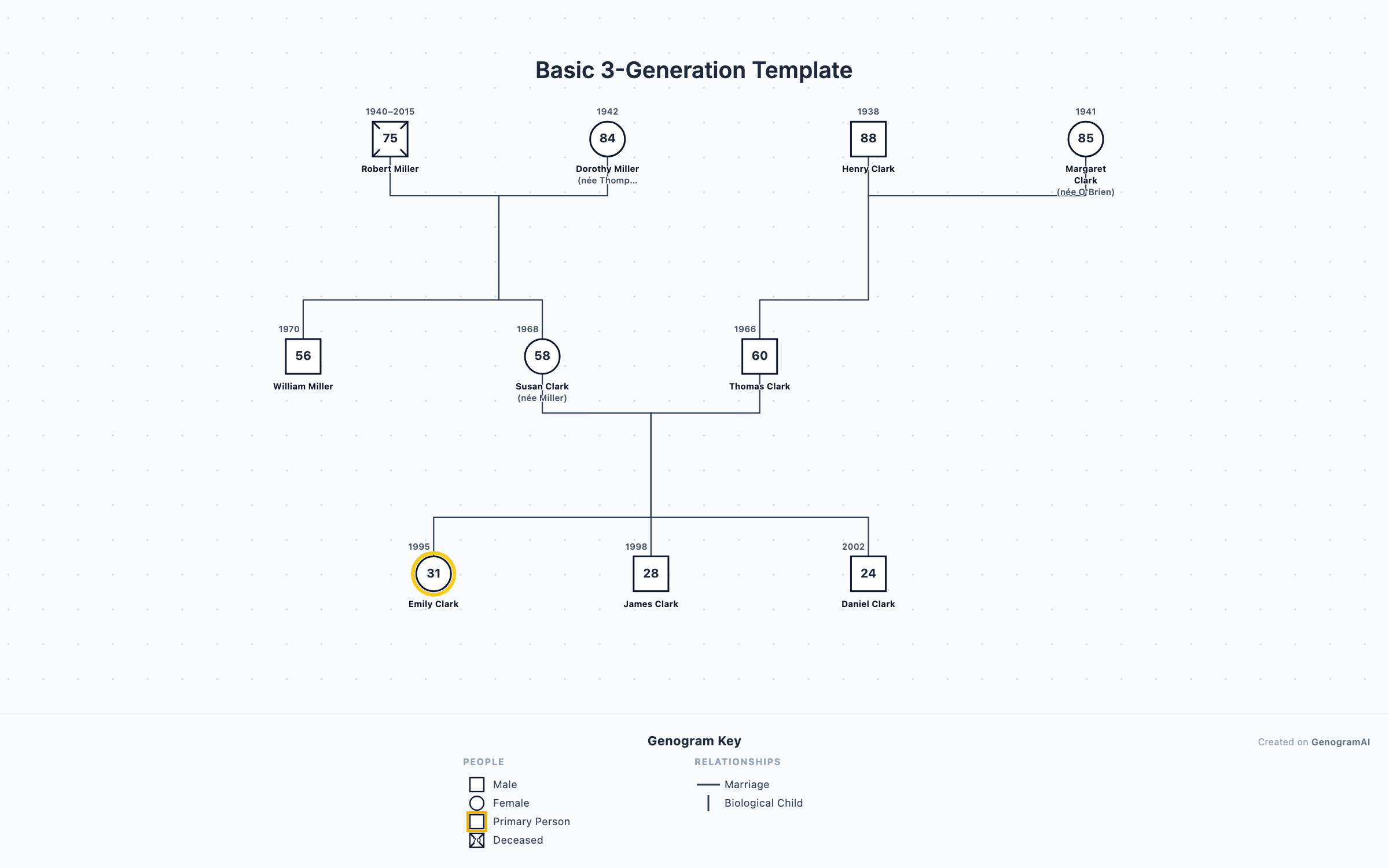
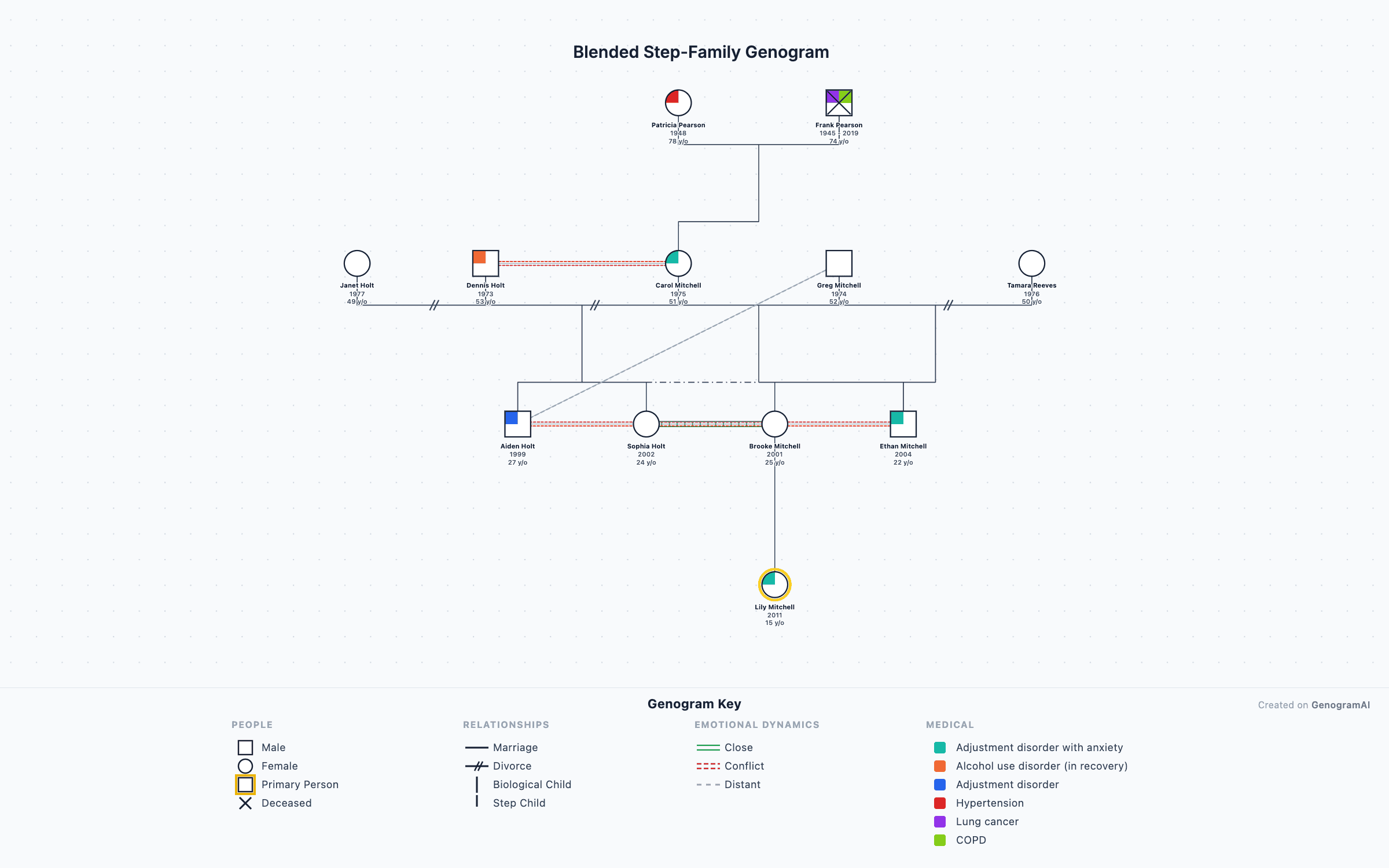
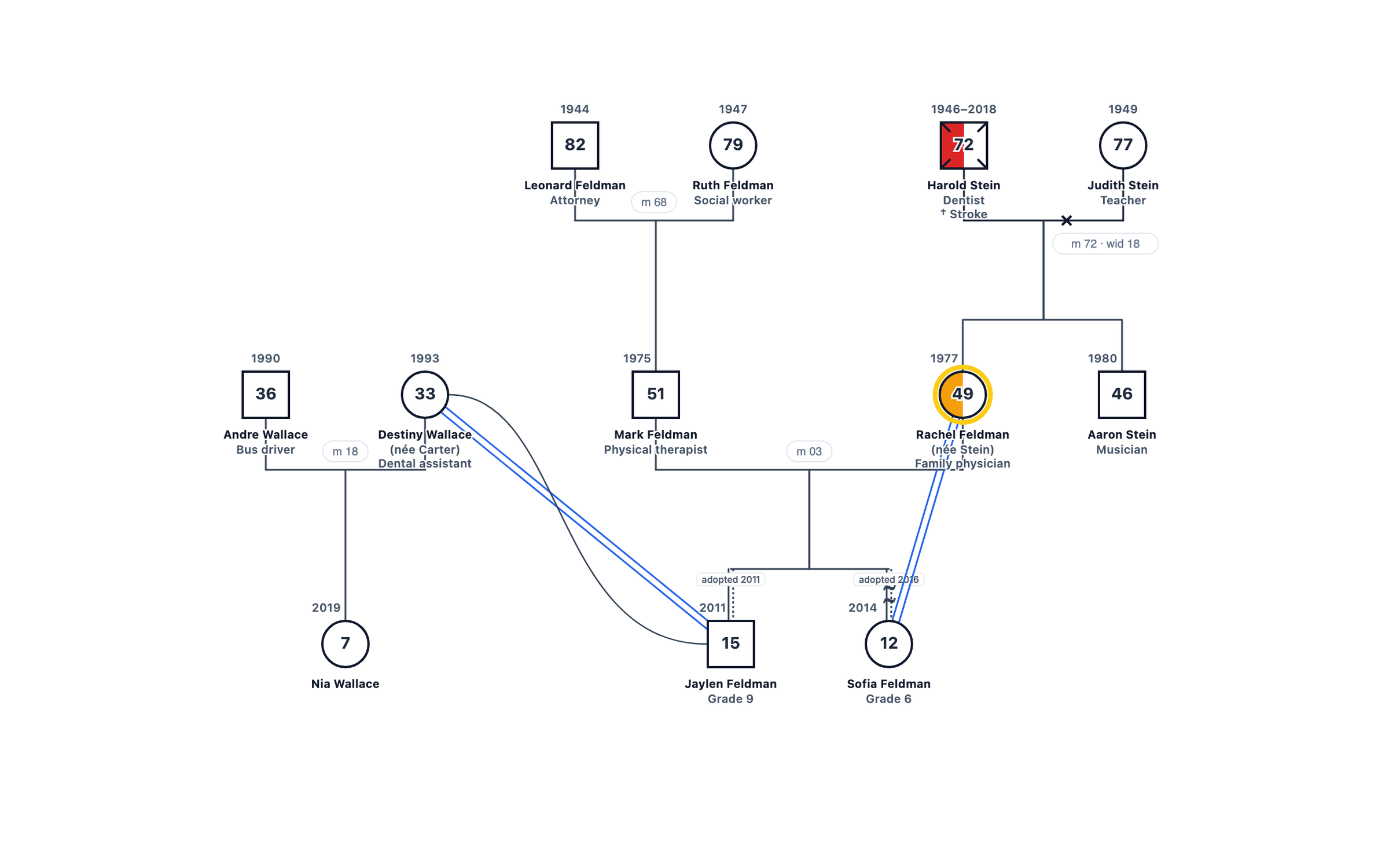
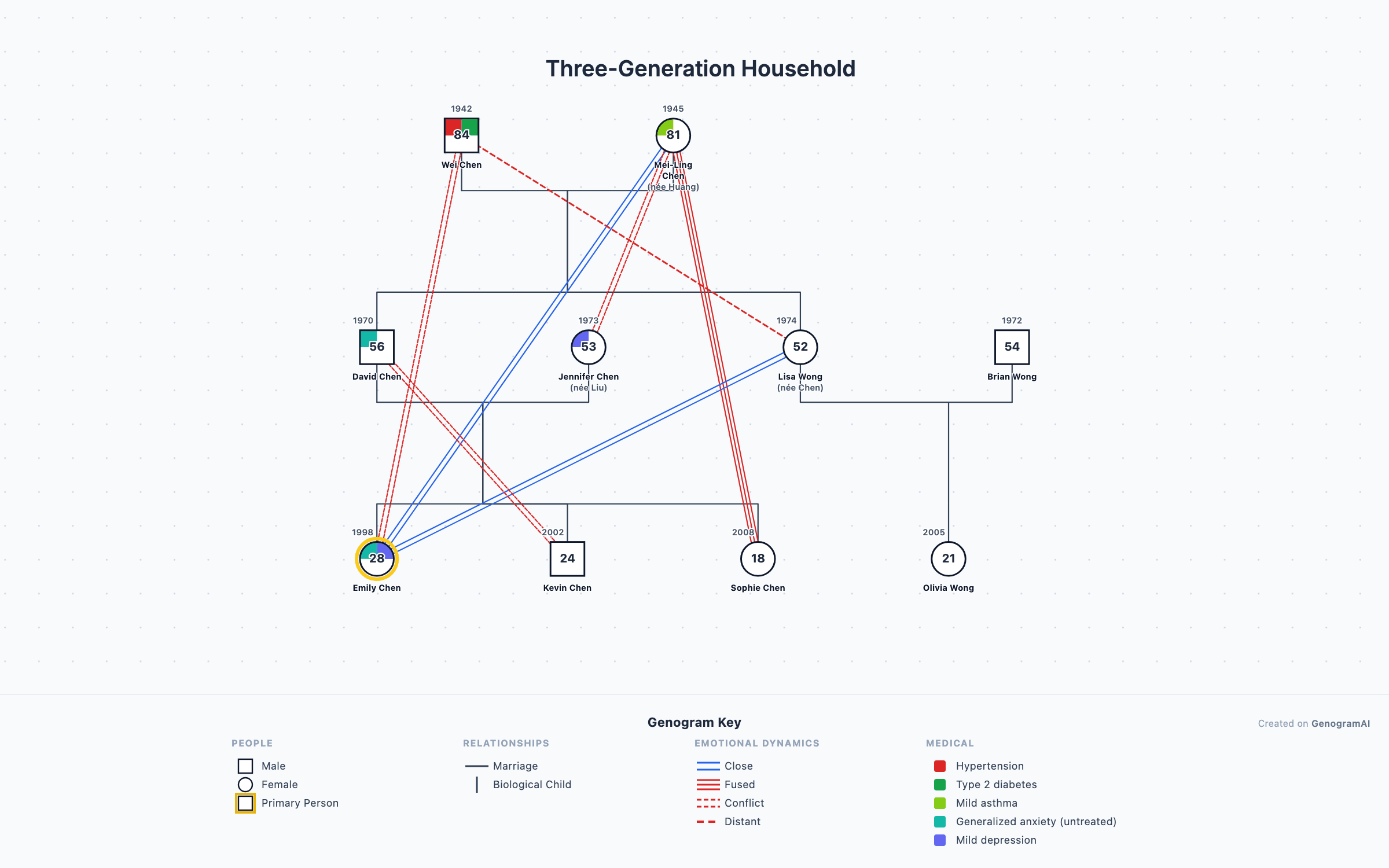
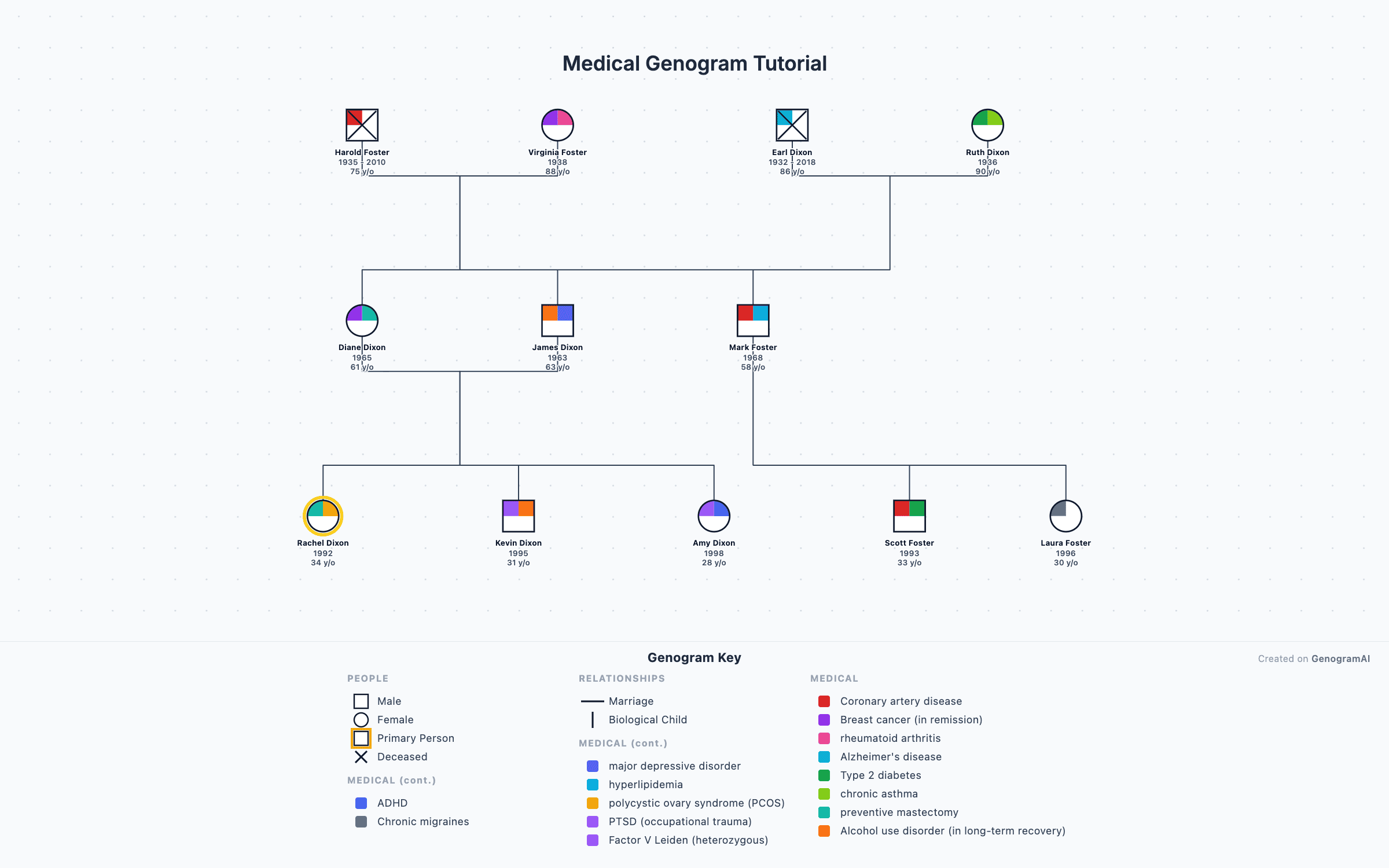
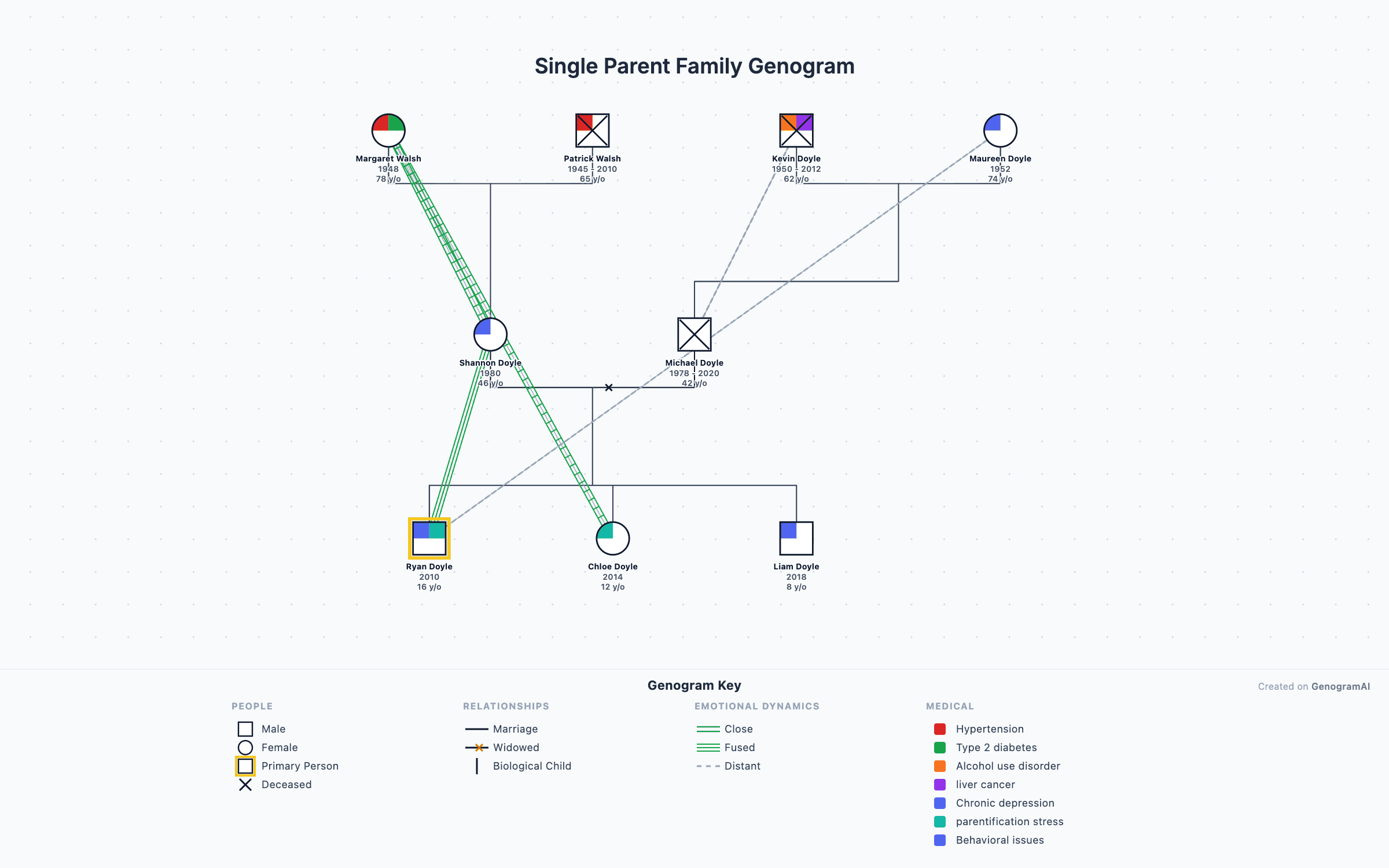
Need a different family shape?
Which family tree template should I use?
| If you need | Use | Format |
|---|---|---|
| A simple tree for a school project or a family gathering | Blank 3-generation family tree | Print (PDF) or online |
| Family health history for a doctor | Medical family history template | Print (PDF) or online |
| Step-parents, half-siblings or remarriage | Blended family tree | Online |
| Adoptive and birth families | Adoption family tree | Online |
| How people get along, for therapy or a class | Family tree with relationship lines | Print (PDF) or online |
| More than three generations or many people | Start online; printed templates fill up fast | Online |
How to fill in a family tree template
- 1
Start with yourself
Write your name under the double-outlined shape in the bottom row, then your siblings, oldest on the left. - 2
Add your parents
Fill in the middle row, with their siblings in the dashed shapes if you want aunts and uncles. - 3
Add grandparents
Paternal grandparents on the left, maternal on the right. Include maiden names. - 4
Add dates and marks
Birth years above each shape, an X through anyone who has died, and slashes on a marriage line for separation or divorce.
For a school assignment, see the family tree project guide for interview questions and ideas. For a detailed three-generation chart, the 3-generation family tree guide goes person by person.
Prefer a spreadsheet?
Frequently asked questions
Is there a free printable family tree template?
Yes. The blank 3-generation template is a free one-page PDF (US Letter) with grandparents on both sides, parents, children and a symbol key. It also comes as an editable PowerPoint file. No sign-up is needed to download it.
Why do the templates use squares and circles?
Squares for males and circles for females is the standard notation for genograms and pedigree charts, and it is common on family trees too. It keeps the chart readable when you add marriages, divorces or health conditions later. Write names under the shapes; you do not need to know any other symbols to use the blank template.
What is the difference between a family tree template and a genogram template?
A family tree template has spaces for names across generations. A genogram template has the same layout plus a key for extra information, such as divorces, health conditions or relationship quality. A genogram is an advanced, detailed family tree, so a genogram template works as a family tree template when you only fill in the names.
Can I edit a family tree template online instead of printing it?
Yes. Each online template opens in the GenogramAI editor as a copy in your account, with the people already drawn. Click a person to rename them, add or remove relatives, and export a PNG for free. The free plan includes 2 trees with up to 50 people each.
Is there a family tree template for Word or Google Docs?
The PowerPoint version of each template opens in PowerPoint, Keynote and Google Slides, where you can type names into the boxes. If you would rather draw from scratch in Word or Google Docs, there are step-by-step guides for both, though an online editor is faster for anything beyond a few people.